CHAPTER 3
USING APPS ON THE DISPLAY
41 smarttech.com/kb/171166
About SMARTNotebook Player tools
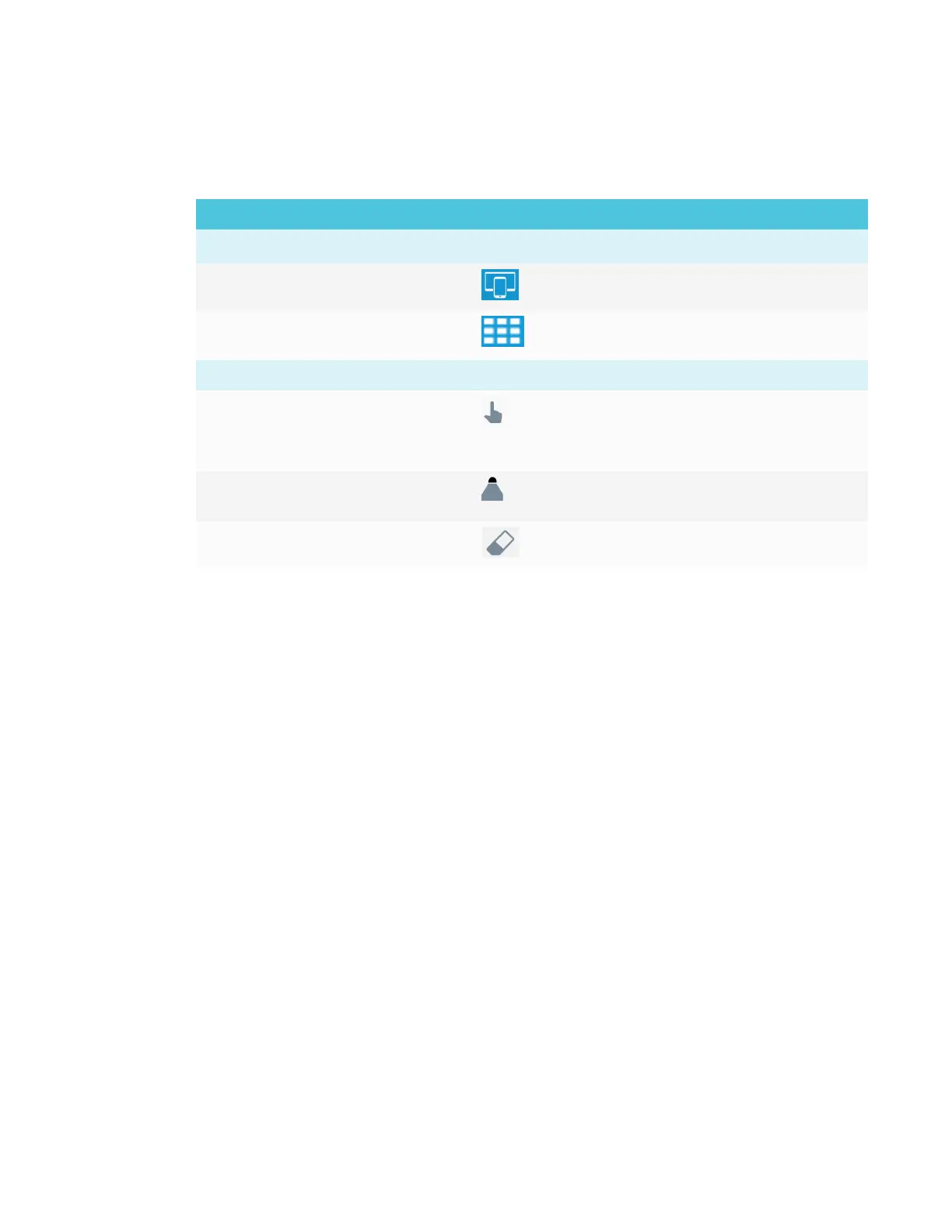
Notebook Player provides several tools for accessing and managing SMARTNotebook files.
Tool Icon Description
File management
Share Tap the icon to connect the iPad to the display.
SMARTNotebook Player Library Tap the icon to view all of the
SMARTNotebook files available on the iPad
Editing objects
Select Tap the icon to select ink and objects and
manipulate them by rotating, stretching and
moving them around the page.
Pen Tap the icon to create freehand objects using
different line widths and colors of ink.
Eraser Tap the icon to erase digital ink objects
Providing feedback
Provide any feedback about SMARTNotebook Player to SMART at smarttech.uservoice.com.










 To Next Page