CHAPTER 3
USING APPS ON THE DISPLAY
26 smarttech.com/kb/171166
NOTE
Displays with older models of the iQ appliance don’t include Notebook Player. See the
Identifying your iQ appliance model wizard.
Opening a SMARTNotebook file in SMARTNotebook Player
You can open a SMARTNotebook file on the display by doing the following:
l Copy the SMARTNotebook files to the USBdrive.
l Share SMARTNotebook files to the display from your computer. Then, download
SMARTNotebook Player to interact with the content from anywhere in the classroom.
l Use SMART Notebook Document Writer’s new Print to Board feature to convert a document
from any Windows application into a SMARTNotebook file that can be viewed on the display.
To open SMARTNotebook files on a USBdrive
1. Copy the SMARTNotebook files to the USBdrive.
2. Open the launcher.
3.
Tap Player .
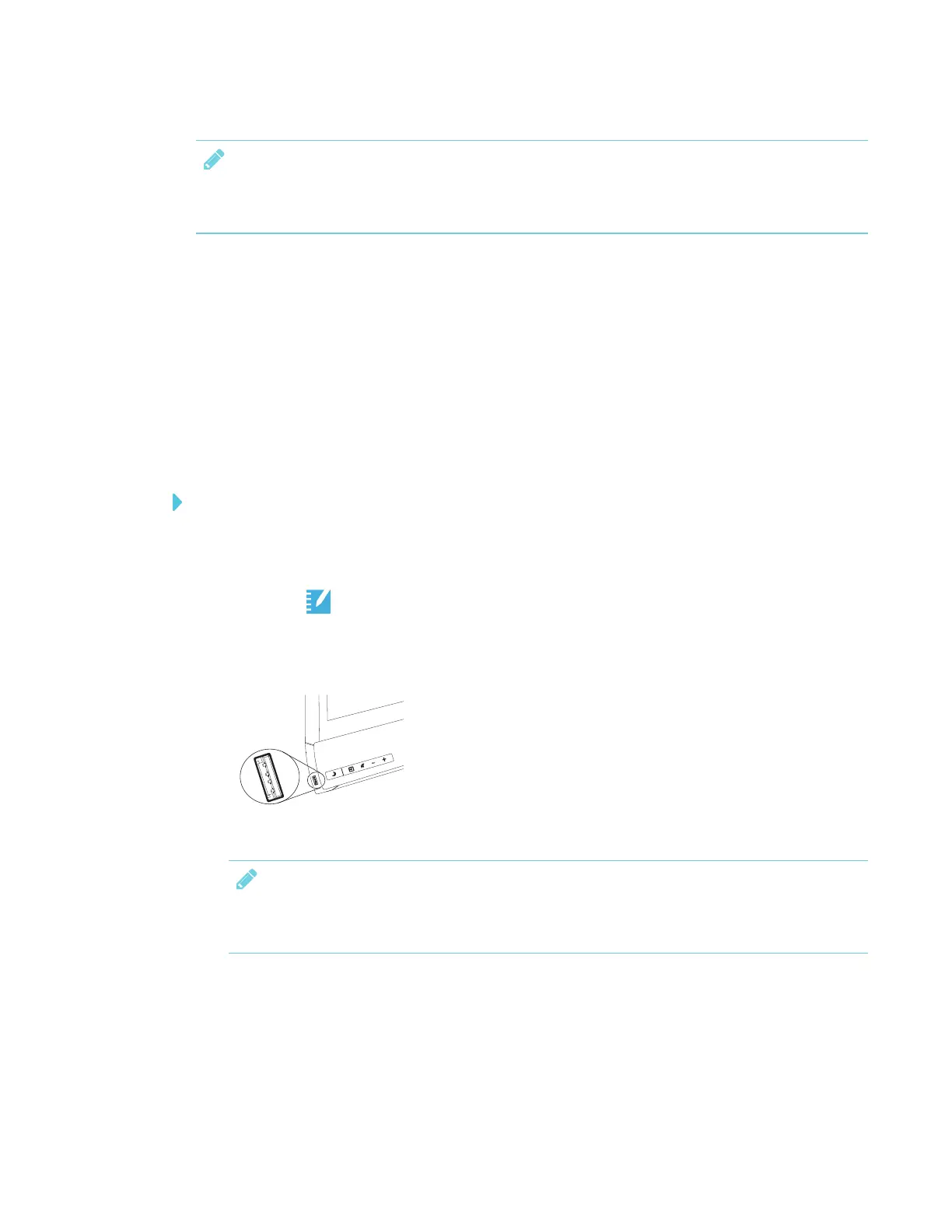
4. Insert the USB drive into the display.
NOTE
The USB receptacle may be covered with a dust cap. Remove the dust cap before inserting
the USB drive.
5. SMARTNotebook Player Library shows all the .notebook files on the USB drive. The first page
of each file also appears.
6. Tap the file you want to open.



 To Next Page