smartgyro.es
23
Xtreme XD- Manual
EN
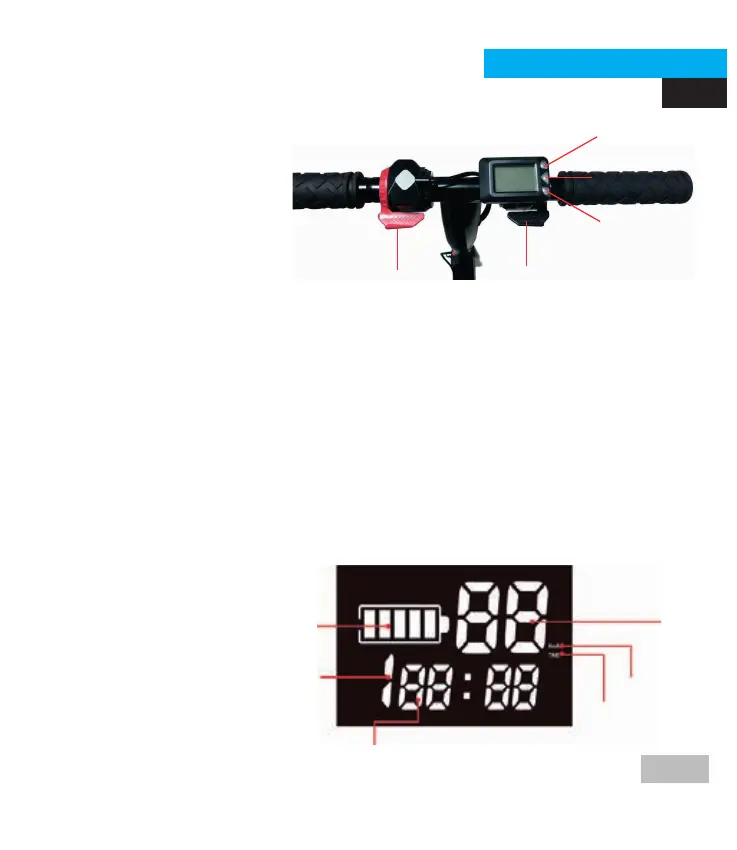
CONTROL PANEL
D
C
A
B
E
THE HANDLEBAR
a) Electric brake button.
b) Acceleration button.
c) Button + gear.
d) Button to turn on / off.
e) Button - gear.
DISPLAY
To turn on your Smartgyro, press and hold the ON button until the display
turns on.
To turn off your Smartgyro, press and hold the ON button until the display
turns off.
NOTE: If your Smartgyro's display is not active for more than five minutes,
your scooter will turn off automatically.
a) The actual remaining capacity of the battery.
b) Gear.
c) Speed.
d) Mileage.
e) Km / hour.
f) Time
D
C
A
B
E
F





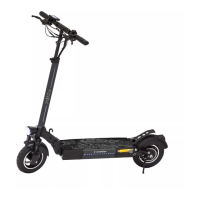
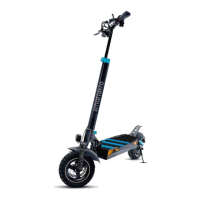
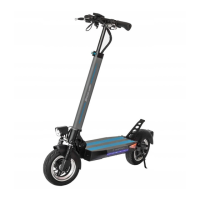
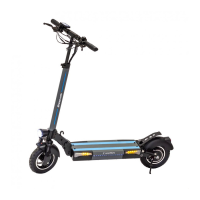



 To Next Page