Purchase Refunds (If enabled)
SmartCharge
We suggest that you only accept refund transactions put
through back to the same card as the original transaction.
^To process refunds you will need to setup a refund PIN. Please call Smartpay merchant
services on 1800 433 876 to setup your dedicated refund PIN. Please note: Your refund PIN
will only be provided after you have performed a transaction. Limits may apply.
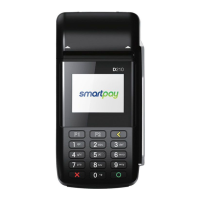
Quick Reference Guide | Smartpay D210E
Manual Log On: MENU > MANUAL LOGON
Reprint last receipt: MENU > REPRINT
If you accept MOTO or need to perform other functionalities,
like voids, Chinese QR payments or manual settlements.
Please refer to our user guide online at
smartpay.com.au/guides
Common Admin Functions
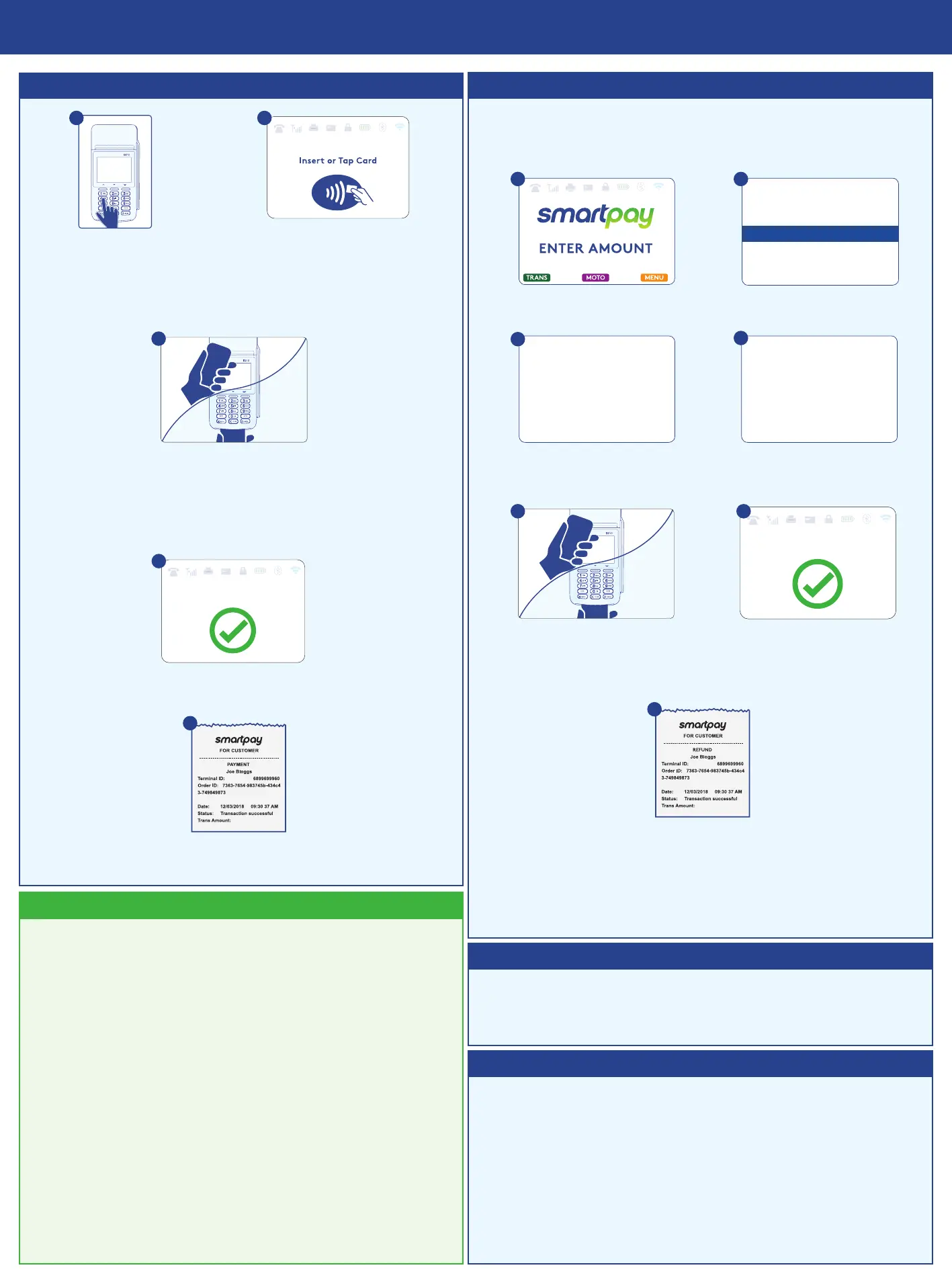
Key in the purchase
amount and
press ENTER
Present terminal to
customer – they will be
prompted on screen
to PRESENT / INSERT
a. Insert - customer follows
screen prompts to select
account and enter PIN
b. Tap - for transactions over
$100 the customer will be
prompted to enter their PIN
Terminal displays ACCEPTED or DECLINED result
Looking for more information?
Receipt will be oered (depending on receipt print/
prompt settings)
1
2
4
3
5
Select TRANS Select REFUND
PURCHASE/CASH
CASH
REFUND
BATCH
1 2
Key in REFUND amount
and press ENTER code
Enter your REFUND PIN^
3
4
Present terminal to customer
- they will be prompted on
screen to PRESENT / INSERT
Terminal display ACCEPTED
or DECLINED result
5
6
Receipt will be oered (depending
on receipt print/prompt settings)
7
1800 433 876
If you have SmartCharge enabled, the surcharge amount
displays automatically before the customer taps or enters
their PIN.
You can choose to pay the surcharge for your customer on
a particular transaction by following the steps below.
• Key in the purchase amount and press ENTER
• If you want to bypass the surcharge amount for a
customer, Press ^
• Enter “123456” as the password to bypass
You will be billed the surcharge amount instead of the
customer.
Customer taps or inserts
Visit smartpay.com.au/guides to nd the correct
integration guide for your setup.
Using an integrated EFTPOS system?


 To Previous Page
 Loading...