How to control the Smart Wi-Fi Remote with the Google Assistant
1. Download the Google Home App and
register and log in with your Google
account info.
2. Pair Smart Wi-Fi Remote with Smartpoint Home
App and name it with an easily
recognizable name.
3. Finish setting up the Google Assistant.
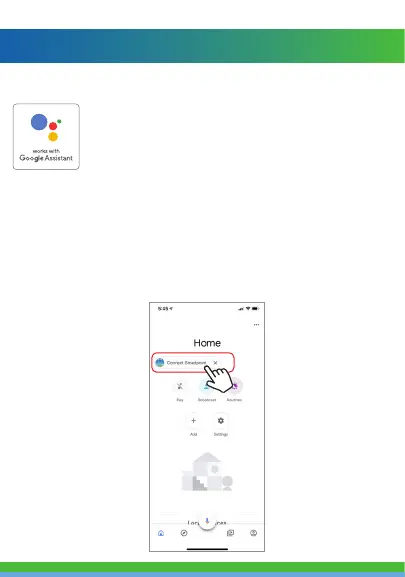
Step A. Once you are logged into your Google Home App, you
should see buttons at the top to connect your Smartpoint
Home account to the Google Home App.
Step B. Tap the Smartpoint Home button to link your account
with the Google Assistant.



 To Next Page