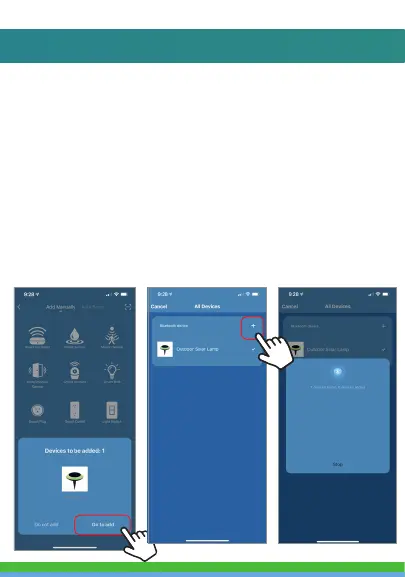
5. On the next screen press the (+) symbol to
begin adding the Solar Light.
6. Connecting process will begin. Do not turn
off Solar Light while connecting. Wait for
connection process to complete. (It may
help to be about 4-6 feet away from light
when connecting.)



 To Next Page