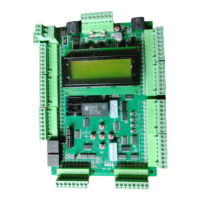
Drive Startup Manual HPV900-Induction
Page 8 © 2020 Smartrise Engineering, Inc. All Rights Reserved March 5, 2020
Operation
Run the car and complete the checklist during the verification process.
No Faults
Make sure the car is moving without triggering a fault either on the Smartrise SRU Board or the
drive. If the SRU Board displays a drive fault, look at the drive to see what the fault is. See Drive
Fault / Encoder Fault for troubleshooting drive fault.
Proper Direction
Make sure the car is moving in the same direction as the control switch on the Run Bug. See
Wrong Direction for troubleshooting proper direction faults.
At Speed
Make sure the car is moving at the proper inspection speed (approximately 50 fpm). See Car
Moving to Slow or Rough for troubleshooting at speed faults.
Under Control
Make sure that the car is moving under full control. The car should stop when commanded
from the Run Bug. Verify that the car runs with no faults for 10 seconds or more. See Brake Not
Lifting for troubleshooting under control faults.



 To Next Page
 Loading...