9
Installing the Product
4
Download the SmartThings app for Android or
iOS, create an account, and follow on-screen
instructions to add the device.
5
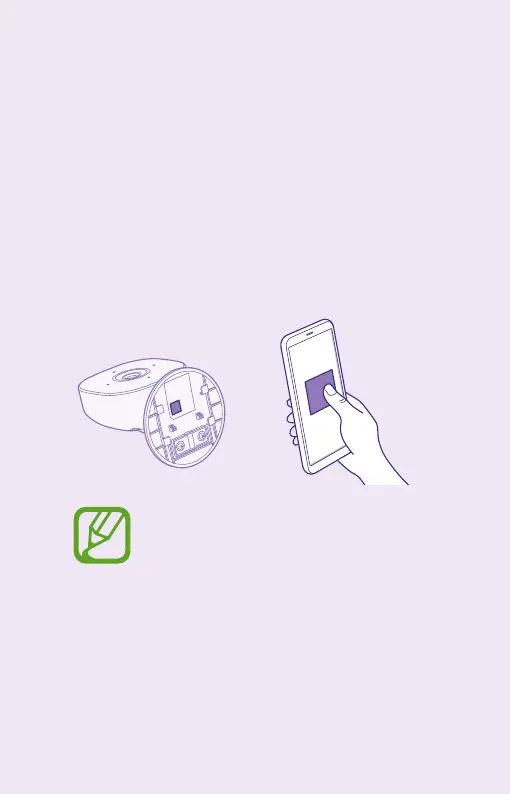
Use the SmartThings app to scan the QR code
at the bottom of the stand and then follow on-
screen instructions to finish setup.
The QR code is located under the mounting
plate. When you cannot find the QR code,
remove the mounting plate.



 To Next Page