Mounting on the Wall
14
4
Align two mounting holes on the camera stand
with two pilot holes and then mount the plate
on the wall surface with two provided screws.
5
Slide the camera stand onto the mounting plate
until it clicks in place.
6
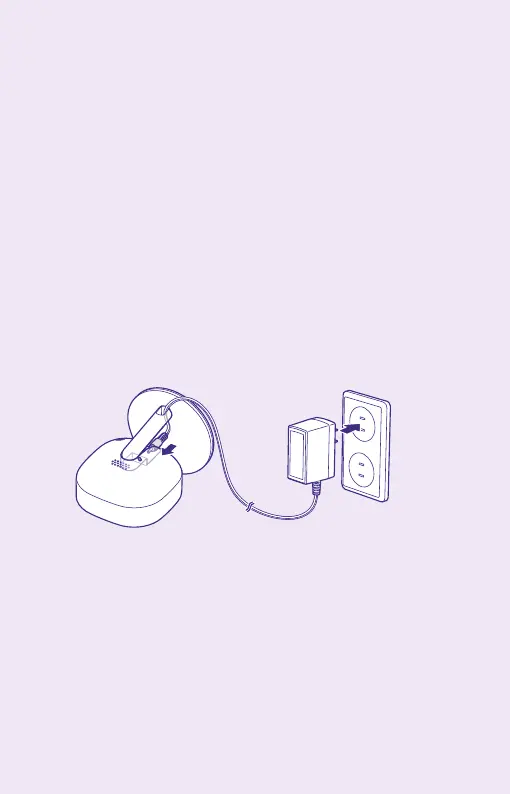
Insert the power cable into the hole of the stand,
connect the cable to the camera, and plug the
power adapter into the outlet.
7
Adjust the camera for better performance and
fix it firmly.



 To Next Page