-5-
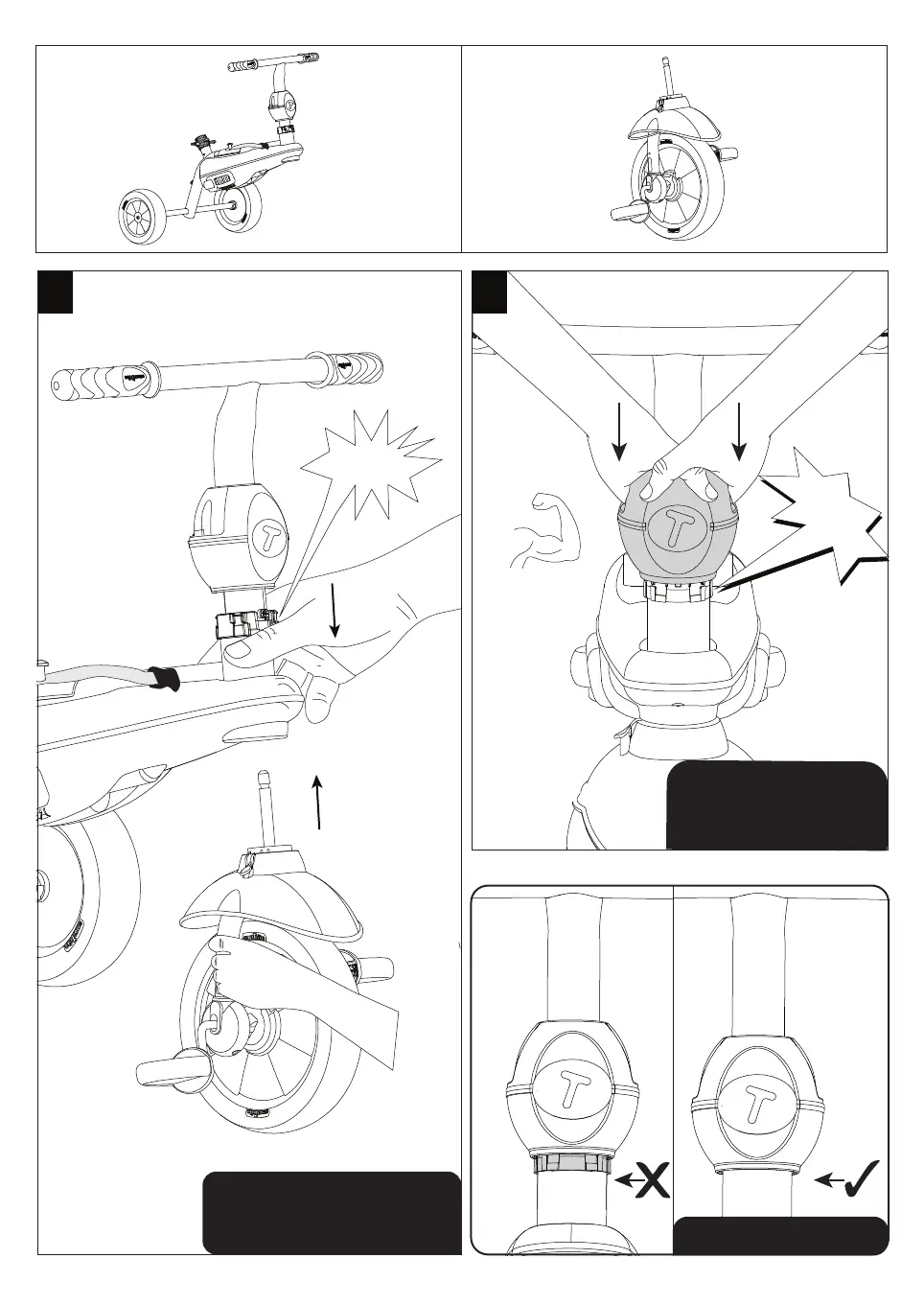
Push the apple rmly down to
insert, slightly turn until you
-
a
3a
CLICK!
ly down to
insert, slightl you
" k r
-
b
3b
With the red button on the right
side of the trike, insert the wheel
into the body of the trike.
CLICK!
Turn the apple to face you.
Push the apple until you
hear a click sound.
Cover the connector



 To Next Page