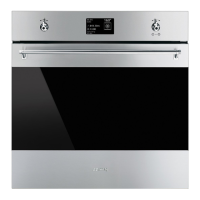
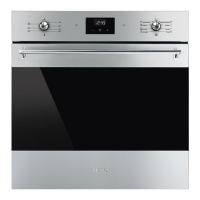
Language
Sets the interface language from those
available.
1. Turn the control knob to the right or left to
select language from the “settings”
menu.
2. Press the control knob to confirm.
3. Turn the control knob to the right or left to
select the required language.
4. Press the control knob to confirm the
selected language.
Clock
Sets the time displayed.
1. Turn the control knob right or left to set the
hour.
2. Press the control knob to move to
changing the minutes.
3. Turn the control knob right or left to set the
minutes.
4. Press the return knob to confirm.


 To Next Page
 Loading...