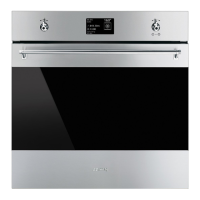
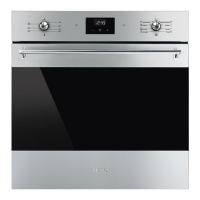
Use
122
Control lock
Allows the appliance to automatically lock
the controls after one minute of normal
operation without any intervention from the
user.
• To confirm that you wish to activate the
control lock, select YES.
During normal operation, it is indicated by
the indicator light coming on.
• To release the lock temporarily during
cooking, hold the return knob down for 3
seconds. One minute after the last setting
the lock will become active again.
Demo mode (for showrooms only)
This mode allows the appliance to
deactivate all heating elements, while
keeping the control panel active.
• To confirm the activation of the demo
mode, select YES.
Touching or varying the position of
the control and return knobs, the
display will show a warning for
two seconds.
If the mode is active, “demo
mode” will be shown on the
display.
To use the appliance normally, set
this mode to OFF.


 To Next Page
 Loading...