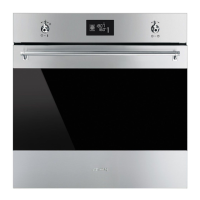
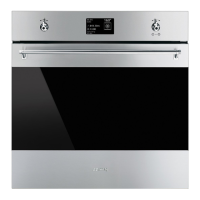
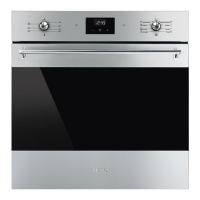
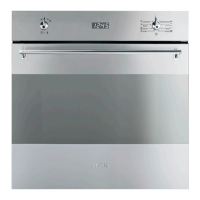
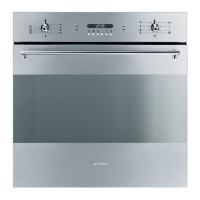
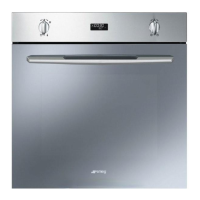
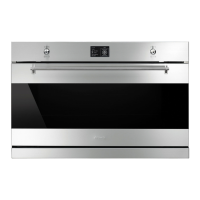
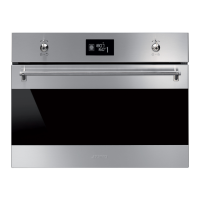
Description
8
2.2 Control panel
1 Display
The touchscreen display allows you to
interact with the appliance. Press the icons
to access the various available functions.
The display will show all operational
parameters, such as: selected function,
time/temperature settings or pre-set
cooking program settings.
In general, press the symbol to return to
the previous menu or end a function; press
the symbol to confirm the selected
options.
2.3 Other parts
Shelves
The appliance features shelves for
positioning trays and racks at different
heights. The insertion heights are indicated
from the bottom upwards (see 2.1 General
Description).
Cooling fan
The fan cools the oven and comes into
operation during cooking.
The fan causes a steady outflow of air from
above the door which may continue for a
brief period of time even after the appliance
has been turned off.
Interior lighting
The appliance interior lighting comes on:
• When the door is opened
• When any function is selected, apart
from the , and functions
• Press the symbol to manually
activate the oven light or the symbol
to deactivate it during use.


 To Next Page
 Loading...