78 - USE 91477A627/C
6. Close the door.
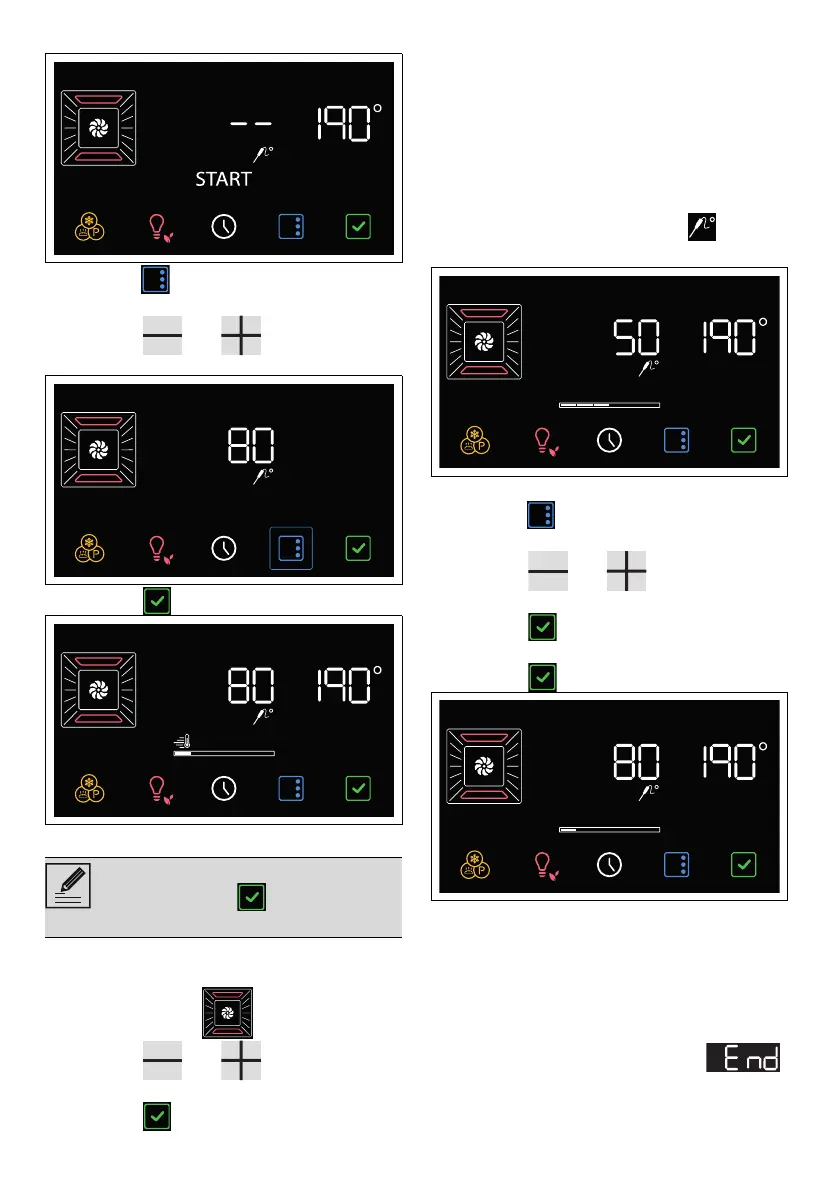
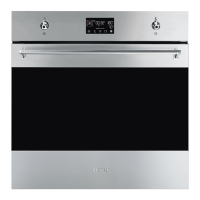
7. Press the button on the display to modify
the target temperature.
8. Press the and touch buttons to
set the target temperature (e.g. "80°C").
9. Press the button to start the function.
The appliance will begin preheating.
With cooking started:
1. Select a cooking function (for example
"FAN-ASSISTED ").
2. Press the and touch buttons to
set the cooking temperature (e.g. "190°C").
3. Press the button to start the function.
The appliance will begin preheating.
At the end of preheating:
4. Open the oven door.
5. Insert the tray on which the food has been
placed into the appropriate guides.
6. Insert the plug of the temperature probe into
the socket at the side, using the probe to
open the protective cover.
On the display, the indicator light comes
on.
7. Close the door.
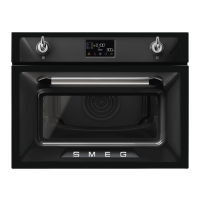
8. Press the button on the display to modify
the target temperature.
9. Press the and touch buttons to
set the target temperature (e.g. "80°C").
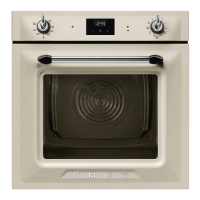
10.Press the button to confirm the target
temperature set.
11. Press the button to start the function.
End of cooking parameters with the
temperature probe
Cooking ends when the instantaneous
temperature reaches the target temperature set
by the user.
Heating elements are deactivated, an acoustic
signal sounds and the display shows .
1. Open the door.
2. Remove the probe from the food and unplug
it from the socket.
You can skip the preheating phase by
holding down the button for a few
seconds.



 To Next Page