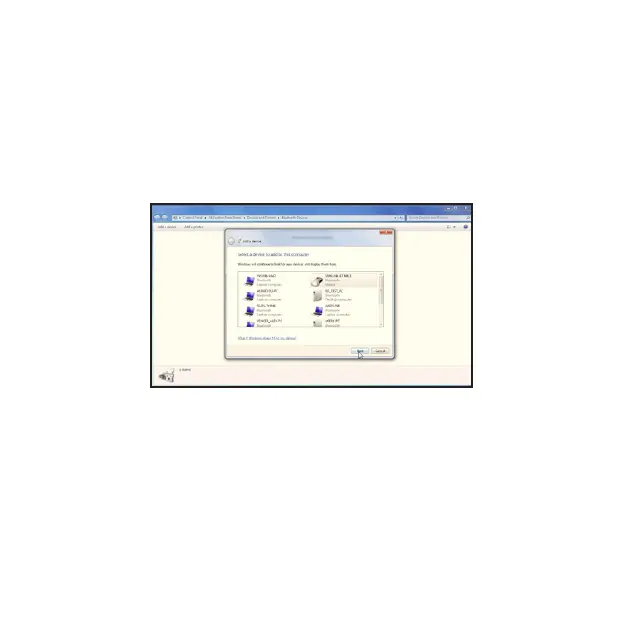
4. Turn your mouse on if it’s not already on. Press the connect button
located at the bottom of the mouse until the red LED mouse
sensor lights up and the scroll wheel of the mouse ashes.
5. The computer will search for new Bluetooth devices
within range and list each device on the screen. Select
the “SMK-Link Bluetooth Mouse”. Click “Next”.
Page 7



 To Next Page