13
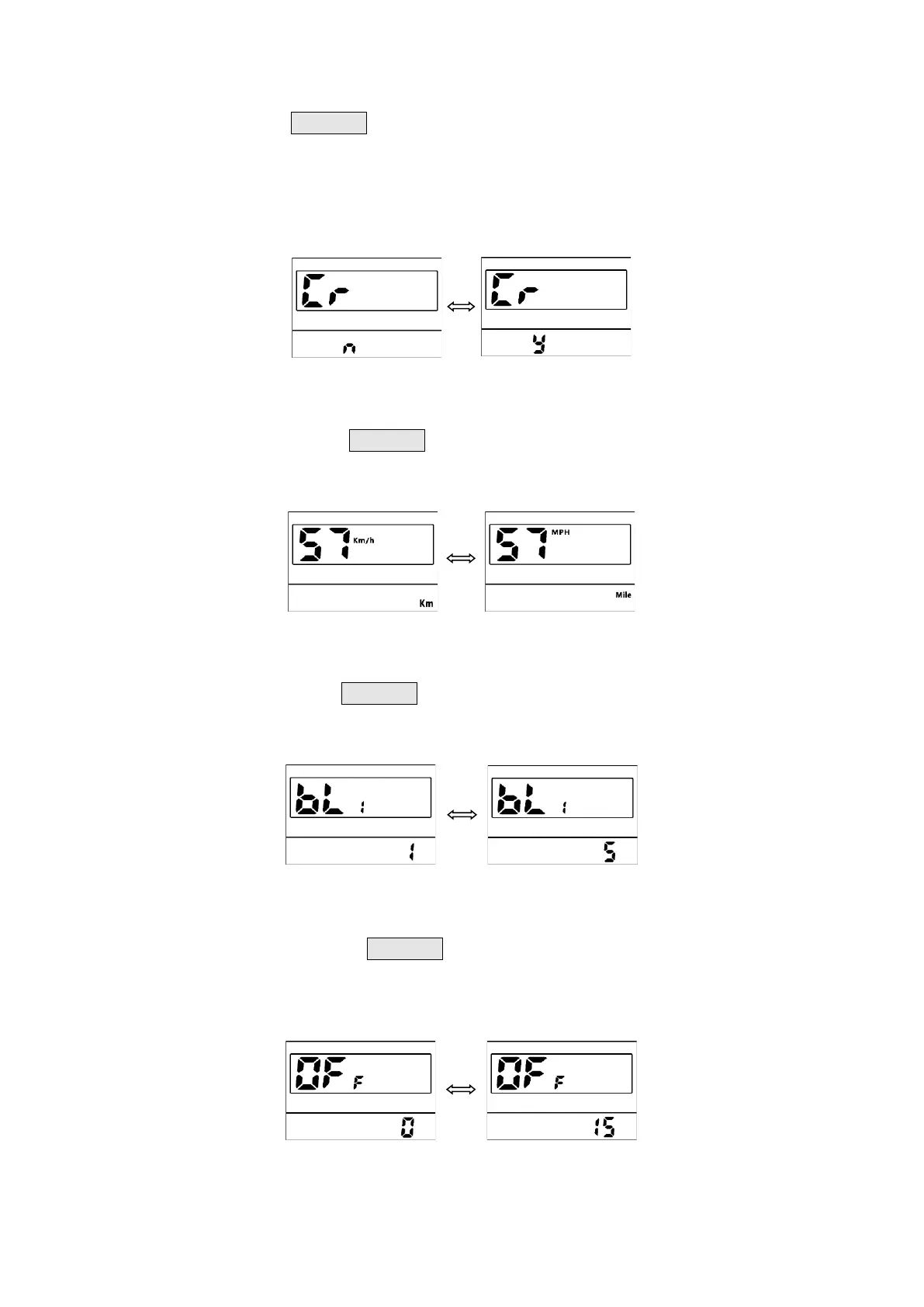
Clear (Cr): Press the UP/DOWN buttons to switch between n/y (no/yes). Selecting “y” will
allow you to reset temporary data such as average speed / maximum speed / trip meter /
elapsed time, which ordinarily cannot be erased by simply powering off the bike. (Do note
that the factory default for this parameter is “n”; you will have to manually clear temporary
data each time if you wish to do so)
_______________________________________________________________________________
System Unit (S7): Press the UP/DOWN buttons to toggle between Metric/Imperial units
(Factory Default: Imperial).
_______________________________________________________________________________
Brightness (bL1): Press the UP/DOWN buttons to change the brightness of the backlight,
with 1 being the darkest, and 5 being the brightest (Factory default: 3).
_______________________________________________________________________________
Auto Off Time (OFF): Press the UP/DOWN buttons to change the display setting from 0 to
15. The number represents the time in minutes that may elapse (without operation or input)
before your bike automatically shuts down to conserve power (Factory Default: 5).
_______________________________________________________________________________


 To Next Page