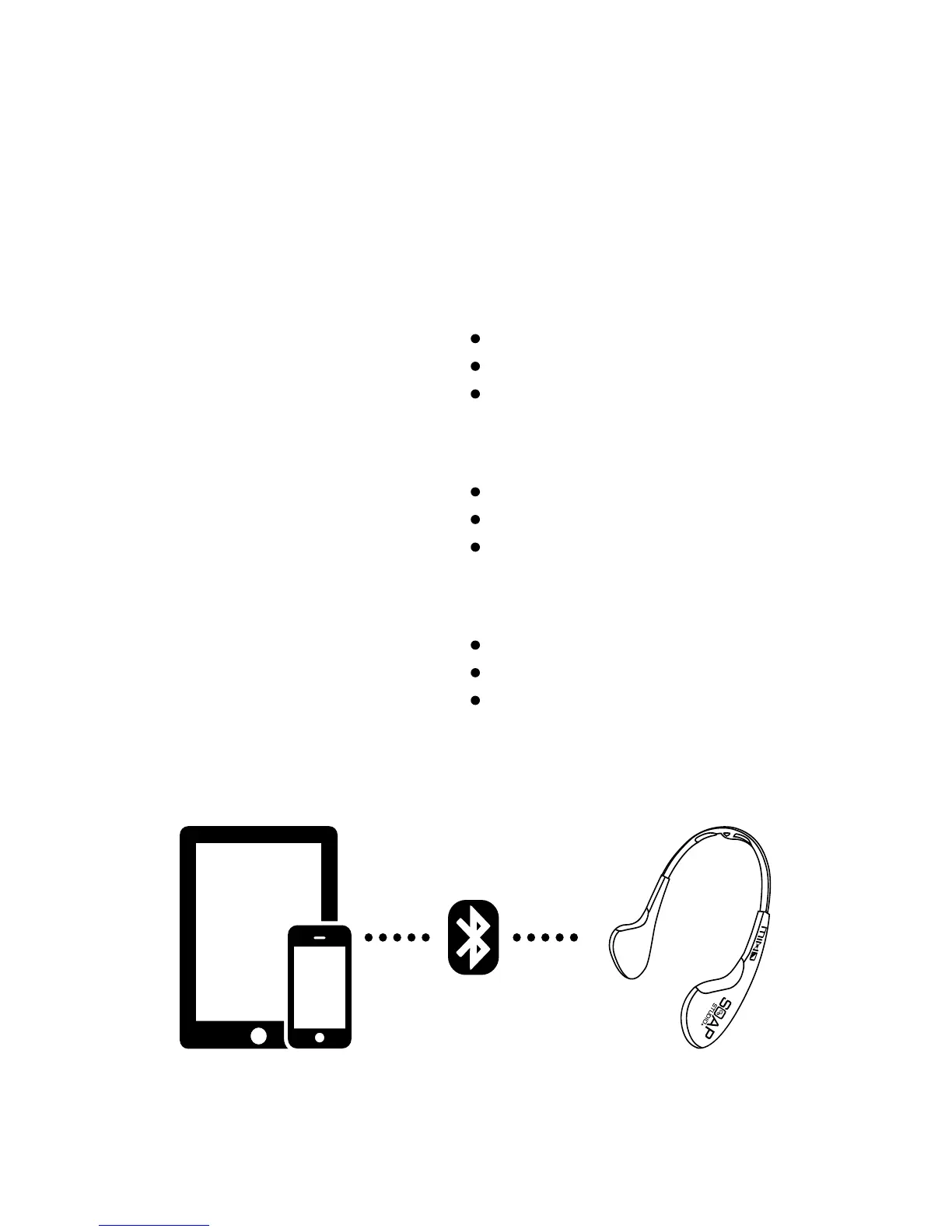
三. 藍牙配置安裝 Bluetooth Setup
請把電話/平板電腦的藍牙功能開啟
Please turn on the Bluetooth function on mobile / tablet
請確認MIND Headset已開啟
Please check the MIND Headset turned on
從手機/平板電腦的藍牙配置中搜出以MIND字母開頭的設置配對
Find the device start with “MIND” and connect with your mobile / tablet
當成功配對後MIND Headset的連接指示燈會亮起
When mobile / table pair up with MIND, the Connection LED light will turn on



 To Next Page