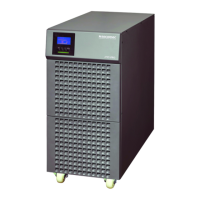
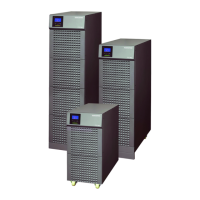
ITYS 6-10 kVA - 551431A - SOCOMEC
41
EN
8.1. Typical alarms and faults
To check the UPS mode and History log:
1. Press any button on the front panel display to activate the menu options.
2. Press
on the menu of “History log”.
3. Scroll through the listed events or faults.
The following table describes typical conditions.
WARNING
PROBLEM DISPLAYED POSSIBLE CAUSE REMEDY
On Maintain Bypass Maintenance bypass switch is open
Check the maintenance bypass
switch status
Input bad wiring
Phase and neutral conductor at input
of UPS system are reversed
Reverse mains power wiring.
No battery
Battery pack is not connected
correctly
Do the battery test to confirm.
Check the battery bank is properly
connected to the UPS
Check the battery breaker is turned
on or fuse OK.
Battery low Battery voltage is low
When audible alarm sounding every
second, battery is almost empty.
End battery life
The battery has reached the end of
its life
Consult dealer if to replace the
battery
Power overload
Power requirements exceed the UPS
capacity
Check the loads and remove some
noncritical loads.
Check if some loads have failed
Overload pre-alarm The load exceeds the preset value
Check the loads or reset the pre-
alarm value
Fan fault Fan abnormal
Check if the fan is running normally
or fan detection cable disconnected
UPS temp. alarm Inside temperature of UPS is too high
Check the ventilation of UPS and
the ambient temperature.
Amb. temp. alarm The ambient temperature is too high Check the environment ventilation
Imminent shutoff Insufficient battery backup time Protect load equipment in time



 To Next Page
 Loading...