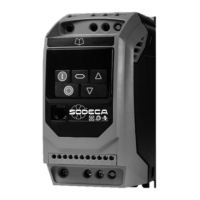
AP9. PRESSURE CONTROL MODE – VSD1-P, VSD3-P
This section explains how to configure the “PRESSURE CONTROL” control mode. This mode allows the drive to
regulate the speed of the ventilator depending on the overpressure between to places.
9.1 PROGRAMMING
Use the next table to change to, or modify the pressure control mode.
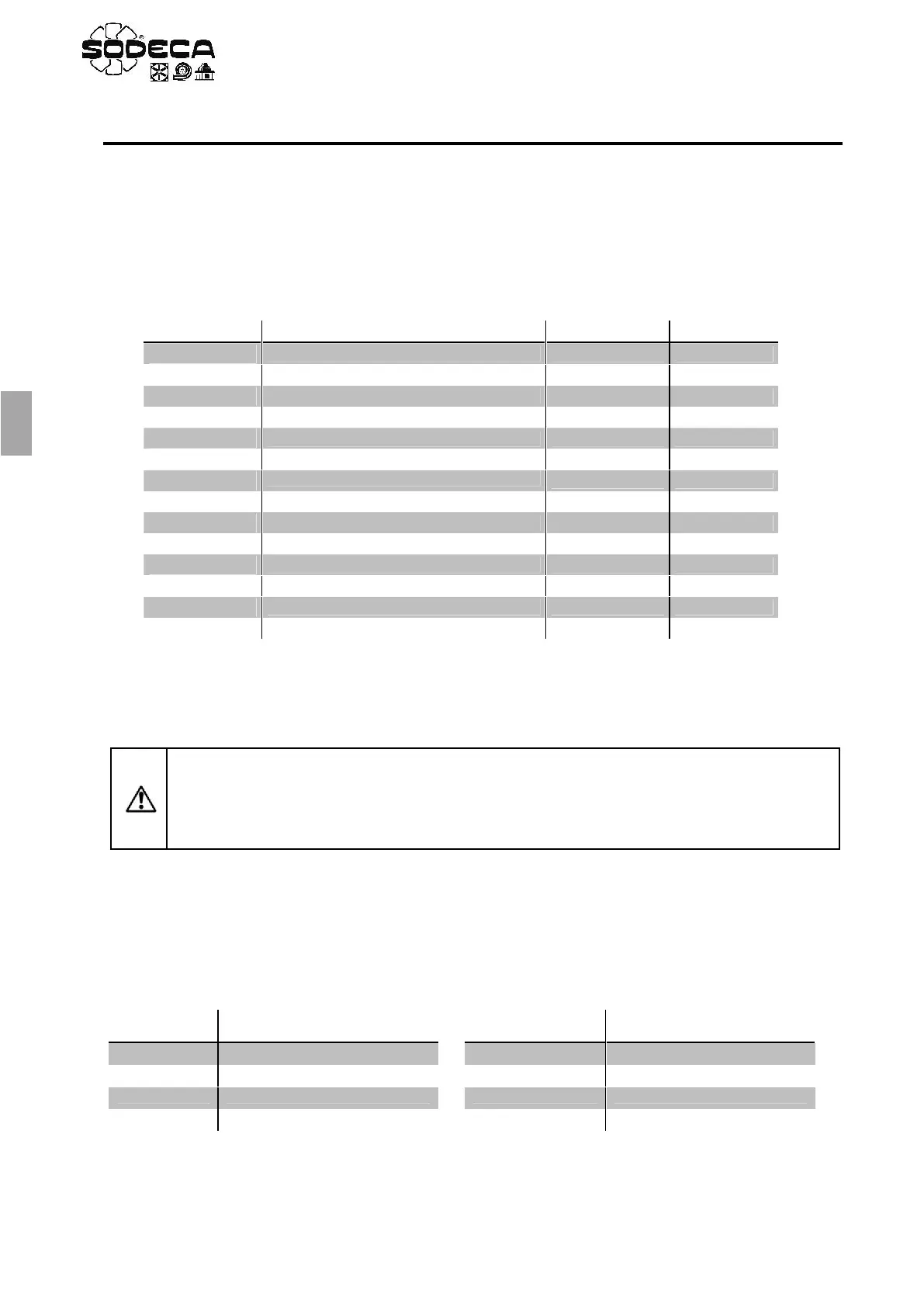
Table “PRESSURE CONTROL”
1. In order to make the regulation more dynamic, change the o parameters. Increase until the output
is fast enough. The increase as much as possible and stop before the system oscillates.
2. See section 9.2 for the setpoint configuration.
9.2 PRESSURE SETPOINT ADJUSTMENT
The pressure setpoint is adjusted in the parameter. The value read by the drive is shown in the only-read
parameter, if the probe has a display the user will be able to see the value directly. This parameters are shown
as percentages and will translate to a different value of Pa, subject to the chosen scale of the probe.
Pressure in Pa
for every 10% of the Setpoint
Pressure in Pa
for every 10% of the Setpoint
(*)Increase for every 10%, subtract 100 Pa to obtain the real value
Extended Menu Access code
Analog Input 1 Signal format
PI Controller Proportional Gain
PI Controller Integral Time
PI Controller Operating Mode
PI Reference (Setpoint) Source Select
PI Feedback Source Select
ATTENTION: If there’s a power loss while the ventilator is working and the RUN switch is closed,
the drive will enter the stop stage and show on the display. Once the power is restored, if
the RUN switch is still closed, the drive will maintain the stop status. In order to start again, the
RUN switch must be opened and closed again. This operation can be modified setting the
mode in the parameter.


 To Next Page
 Loading...