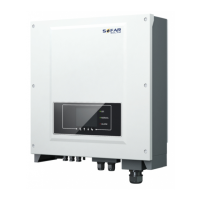
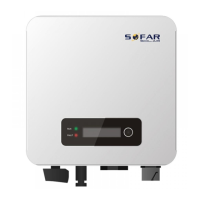
SOFAR 15~24KTLX-G3 User manual
Copyright © Shenzhen SOFARSOLAR Co., Ltd.
Figure 5-21 Picture of the RS485/USB converter and PC terminal
If only one SOFAR 15~24KTLX-G3 is used, use a communication cable, refer to
section 5.5.2 for COM pin definition, and choose either of the two RS485 ports.
Figure 5-22 A single SOFAR 15~24KTLX-G3 connecting communications
If multiple SOFAR 15~24KTLX-G3 are used, connect all SOFAR 15~24KTLX-G3 in
daisy chain mode over the RS485 communication cable. Set different Modbus
address (1~31) for each inverter in LCD display.
Figure 5-23 Multi SOFAR 15~24KTLX-G3 connecting Communications
Register remote monitoring of SOFAR 15~24KTLX-G3 at its relevant website or APP
according to monitoring device SN.
Web
:
https://home.solarmanpv.com (Recommended browser: Chrome58
、
Firefox49
、
IE9 and above version).


 To Next Page
 Loading...