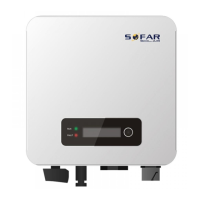
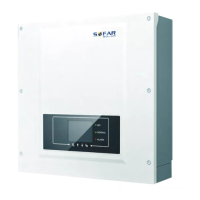
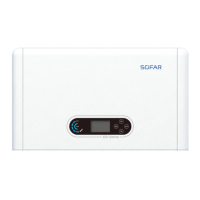
SOFAR 3.3K~12KTL-X User manual
All rights reserved
© Shenzhen SOFARSOLAR Co ., Ltd.
Procedure
Step 1: Remove the insulation layer of an appropriate length from the
shielded network cable using a wire stripper.
Step 2: Open SOFAR 3.3K~12KTL-X lower cover and insert the shielded
network cable into the cable screw nut, seals, screw nut.
Step 3: Connect the stripped network cable to corresponding pins on the
plug, as shown as follow.
RS485 B-,RS485differentialsignal-
2 Orange RS485 A-,RS485differentialsignal+
3 White and green RS485 A-,RS485differentialsignal+
4 Blue RS485 A-,RS485differentialsignal+
5 White and blue RS485 B-,RS485differentialsignal-
6 Green RS485 B-,RS485differentialsignal-
7 White and brown NC
8 Brown NC
Figure 4-9 RS485 wiring pinout(1)
Figure 4-10 RS485 Connecting communications cable(2)
Step 4: Crystal plug with RJ45 crimping tool.
Step 5: Insert the plug into the RS485 port on the SOFAR 3.3K~12KTL-X.
Step 6: Insert sealing plug into housing.
Figure 4-11 RS485 Connecting communications cable(3)



 To Next Page
 Loading...