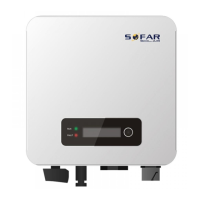
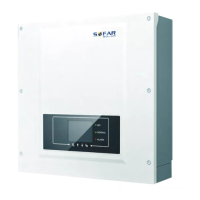
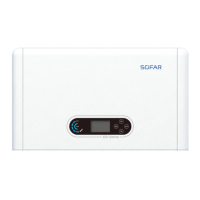
SOFAR 3.3K~12KTL-X User manual
All rights reserved
© Shenzhen SOFARSOLAR Co ., Ltd.
Follow-up Procedure
To remove an RJ45 connector from SOFAR 3.3K~12KTL-X, remove the
cable screw nut, press the clip on the RJ45 connector, and then pull out the
shielded RJ45 connector.
Communications Port Description
This topic describes the functions of the RS485 and WIFI ports.
RS485
Using the RS485 interface, inverter output, alarms and operation state of the
inverter can be accessed via a PC terminal or local data acquisition device,
then uploaded to a server.
1. USB-RS485 2.TERMINAL
If only one SOFAR 3.3K~12KTL-X is used, use a communication cable with
waterproof RJ45 connectors, and choose either of the two RS485 ports.
Figure 4-12 Single inverter communications
If multiple SOFAR 3.3K~12KTL-X are used, connect all SOFAR
3.3K~12KTL-X in daisy chain mode over the RS485 communication cable.



 To Next Page
 Loading...