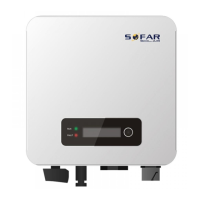
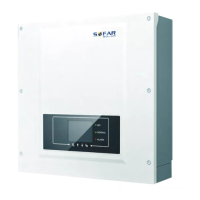
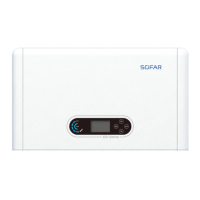
SOFAR 3.3K~12KTL-X User manual
All rights reserved
© Shenzhen SOFARSOLAR Co ., Ltd.
Figure 4-14 Connect multiple Wifi to wireless router
Note:
The length of the RS485 communication cable should be less than 100 m.
The distance between WIFI and Ethernet router should be less than 15m.
A maximum of 31 devices can be daisy-chained over each RS485
differential pair to a single monitoring device.
Since the Sofar inverter contains 3 RS485 ports, a maximum of 93 devices
can be monitored by a single logger.
Connecting to DRED(Demand Response Enabling Device) only
Australia
Step1: Open the bottom cover, the wire through the waterproof joint and locks
the terminal
Step2: Insert the terminal and lock the screw
Step3: Refer to "6.3 main interface"setting to enable the function
Figure 4-15 DRM port
4.5. Connecting DC Input Power Cables



 To Next Page
 Loading...