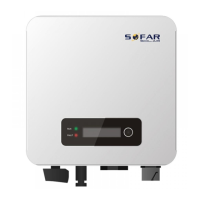
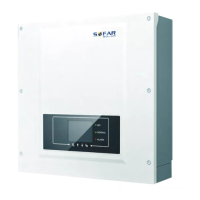
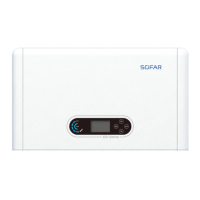
SOFAR 3.3K~12KTL-X User manual
All rights reserved
© Shenzhen SOFARSOLAR Co ., Ltd.
Step 6 Tighten cable glands on positive and negative connectors and rotate
them against the insulation covers.
Step 7 Insert the positive and negative connectors into corresponding DC
input terminals of the SOFAR 3.3K~12KTL-X until you hear a "click"
sound, as shown in
Figure 4-20.
Figure 4-20 Connecting DC input power cable
1. Bayonet
Follow-up Procedure
To remove the positive and negative connectors from the SOFAR
3.3K~12KTL-X, insert a removal wrench into the bayonet and press the
wrench with an appropriate strength, as shown in Figure 4-21.
Before removing the positive and negative connectors, ensure that
the DC SWITCH is OFF.
4.6. DRMs Functions
Figure 4-21 Removing a DC input connector



 To Next Page
 Loading...