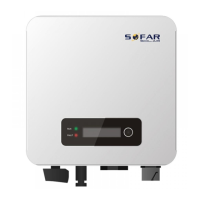
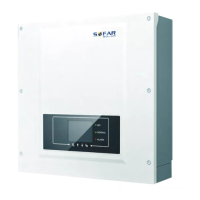
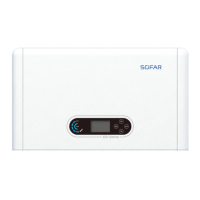
SOFAR 3.3K~12KTL-X User manual
All rights reserved
© Shenzhen SOFARSOLAR Co ., Ltd.
5.
Commissioning of inverter
5.1. Safety inspection before commissioning
Ensure that DC and AC voltages are within the range permitted by
the inverter.
Attention
5.2. Start Inverter
Step 1 Turn on DC switch.
Step 2 Turn on AC switch.
When the solar arrays generate sufficient power, the inverter will startup
automatically. Display showing “normal” indicates correct operation.
Step 3 Choose the correct country code. (refer to 6.3 of this manual)
It's very important to make sure that you have selected the correct country
code according to requirements of local authority.
Power quality response mode
The power quality response mode has been preprogramed for each country
code(V-VAR, V-Watt) according to the local requirements, Once the power
quality and grid settings have been selected upon commissioning, these
settings will be locked, and cannot be modified by the end user. Professional
and technical personnel can adjust these settings after commissioning by
using the remote monitoring platform. As long as the inverter is connected
online via a correctly installed logger (WiFi / GPRS / Ethernet). These Power
quality settings can be set / viewed / changed by logging onto
solarmanpv.com.
Creation of an account on solarmanpv.com is restricted to authorised
personnel only and allows adjustment of a wide variety of parameters.



 To Next Page
 Loading...