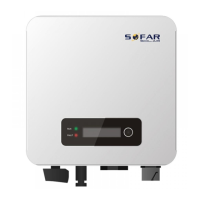
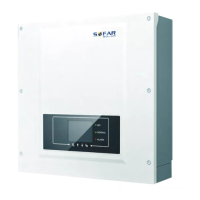
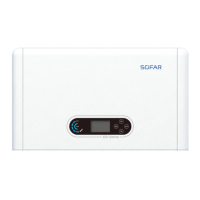
SOFAR 3.3K~12KTL-X User manual
All rights reserved
© Shenzhen SOFARSOLAR Co ., Ltd.
7. Trouble shooting and
maintenance
7.1. Earth Fault / GFCI
This inverter complies with AS/NZS 5033 for earth fault alarm monitoring.
If an Earth Fault is detected in the system, the fault will be displayed on the
LCD screen, the red light will be on, and the fault will be logged in the event
history. For an inverter installed with Wi-Fi/GPRS, the alarm information
can be seen on the corresponding monitoring website, and can also be
received by the APP on the mobile phone.
7.2. Trouble shooting
This section contains information and procedures for solving possible
problems with the SOFAR 3.3K~12KTL-X inverter.
In case of problem with inverter, check the following tips.
Check the warning fault messages or Fault codes on the inverter information
panel. Record it before doing anything further.
If inverter does not display any Fault, please check the following lists.
-Is the inverter located in a clean, dry, adequately ventilated place?
-Is the DC switch turned ON?
-Are the cables adequately sized and short enough?
-Are the input and output connections and wiring in good condition?
-Are the configuration settings correct for the particular installation?
-Are the display panel and the communications cable properly connected and
undamaged?
Follow the steps below to view recorded problems:
Press “ESC” to enter the main menu in the normal interface. In the interface
screen select “Event List”, then press “OK” to enter events.
Event List information
NO.
Name
description
solution



 To Next Page
 Loading...