12
SPOTTER
Ready to go
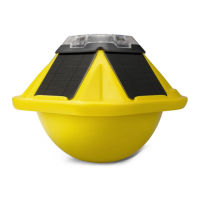
The Spotter device is completely self-powered and can be operated right out
of the box.
Check the SD card
Make sure the system is turned off (on/off switch is OFF) and then check to
ensure that the SD card is properly seated.
Turn Spotter on
Switch the on/off switch to the ‘on’ position to turn Spotter on. During boot-
up the two user LEDs will be orange, and after startup will switch to green.
The Spotter device has two possible operating modes: IDLE mode and RUN
mode. You can switch between modes using the provided magnet by holding
it at the designated area for 3 seconds. The Spotter device will always boot
into the last mode it was in before it was switched off.
Set up Spotter device
STEP 02
MAGNET
Hold here for 3 seconds to
switch between modes.


 To Next Page