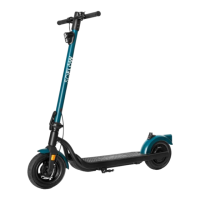
Adjusting the disc brake
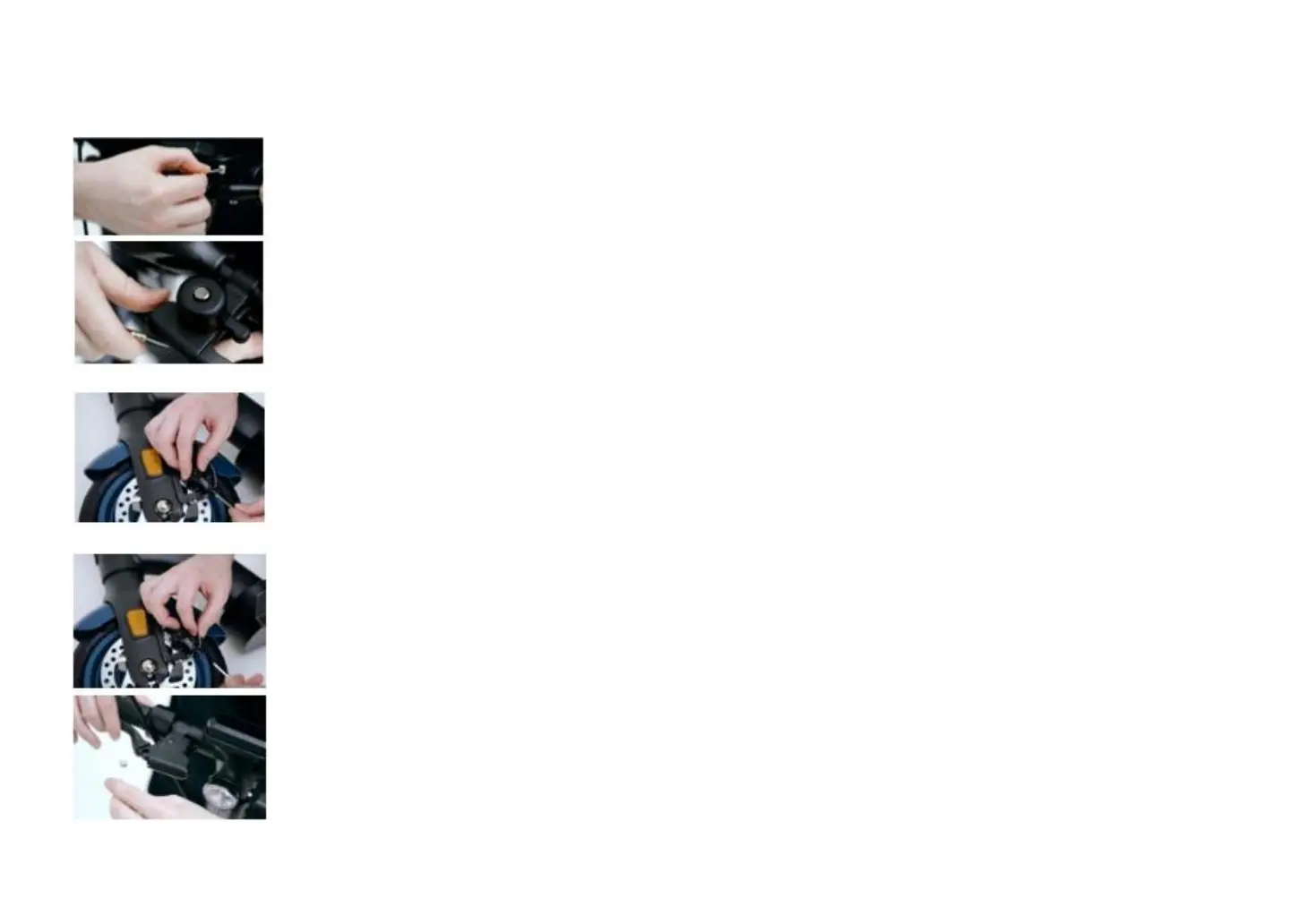
Attaching the brake cable to the handlebar
Fix the end of the cable into the slot of the brake lever and slide the cable to the front of the lever. If the cable has been adjusted too tight
and it cannot slide over to the front of the lever, then the brake mechanism needs to be adjusted.
Adjusting the brake mechanism
Loosen the pinch bolt at the clamp of the brake mechanism with a 5mm Allen key.
Insert new cable
Loosen the cable and then slide over the cable to the end of the brake lever.
Tighten the brake mechanism
Tighten the brake cable and then tighten the pinch bolt at the clamp. While tightening the brake cable, make sure when the brake is fully
discharged, you have a one-inch distance (2.5 cm) between the handlebar and the brake lever.
Note: You can find more instructions and tips and tricks on Youtube.com under SoFlow.


 To Next Page
 Loading...