3
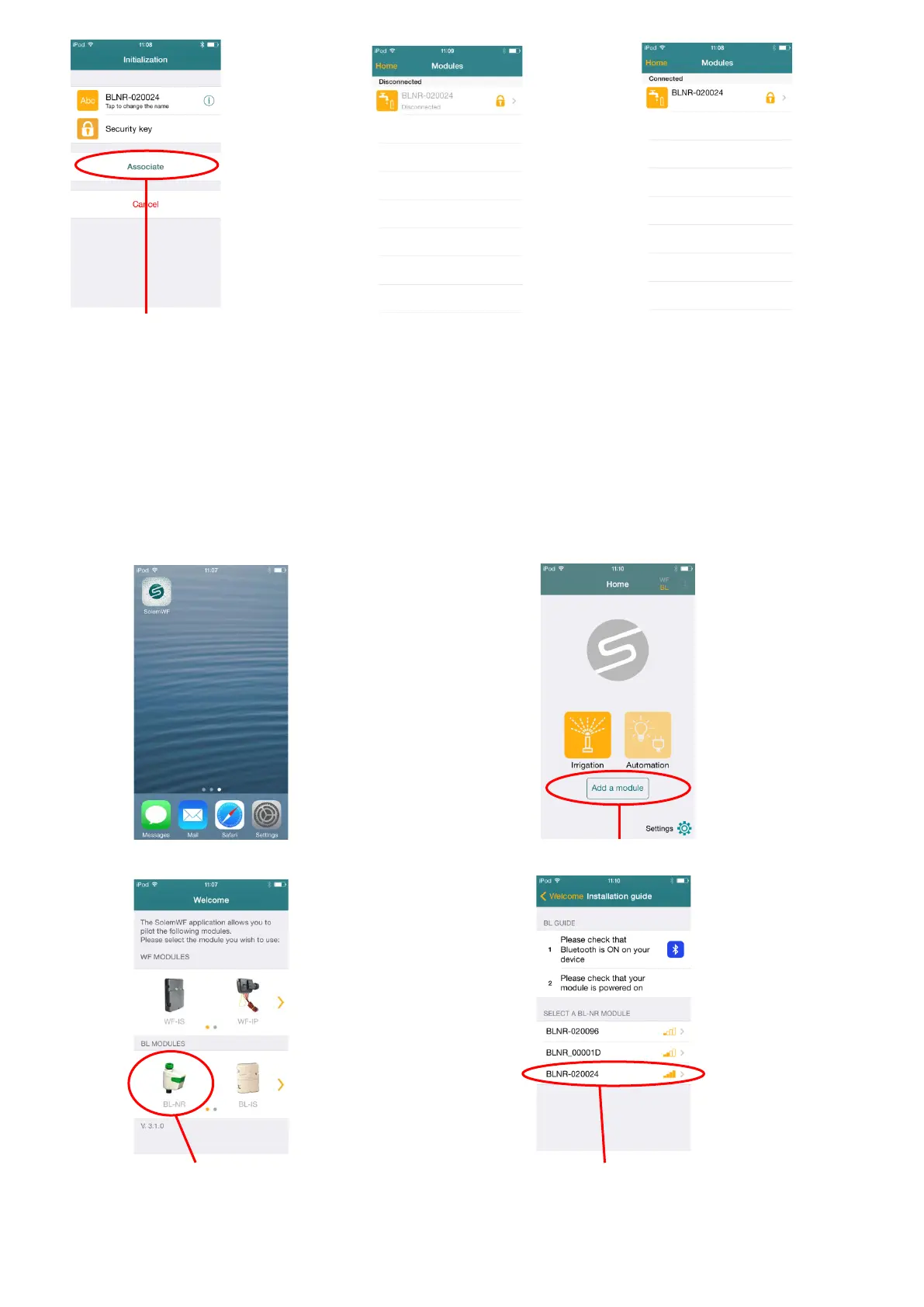
Push now The product can appear Wait few seconds
On ‘’Associate’’ at the beginning ‘’disconnected’’ and it is connected
To schedule, change its name and make a manual station or other, launch the App SolemWF, press
the number or the name of the product and let it guide you through the application.
If the association has been already made and if you replace the battery in the case, no need to redo
the association, wait 2 minutes that the product initialize with your phone.
- 2 – If you want to re-associate the BL-NR.
Launch the App ‘’SolemWF’’ Push on ‘’Add a module’’
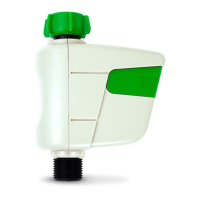
Push on the BL-NR picture Push on the number corresponding
to the label on the back of the product


 To Next Page