6 ©2014, SolidSignal.com Reproduction is permitted provided copyright information is intact.
TURNING A RECEIVER DECA
INTO A DECA BROADBAND
HR24, H24, and H25 RECEIVERS: NO DECA REQUIRED
The DIRECTV HR24 DVR, H24,
and H25 receivers were designed
for coax networking from the
start. Although the HR24 and H24
also have an Ethernet port, they
work best when connected to a
coax network. This has led some
people to say they have “Built-in
DECA.” (You can see where it gets
confusing with everything being called DECA.) They do have chips inside them that let them use coax
networking without any other adapter, that’s what people are trying to say.
Connecting one of these receivers to a coax network should be automatic. If the coax network
is present when they boot up, it will be recognized and configured. If it isn’t, the “Connect Now”
procedure should work to quickly connect these boxes to the internet, as long as the DECA
Broadband is already in place.
The only difference between a receiver DECA
(meant to connect a receiver to a coax network)
and a DECA Broadband (meant to connect the coax
network to a router) is a power supply. If you have
older DECAs around you can convert them to DECA
Broadbands by adding a power supply.
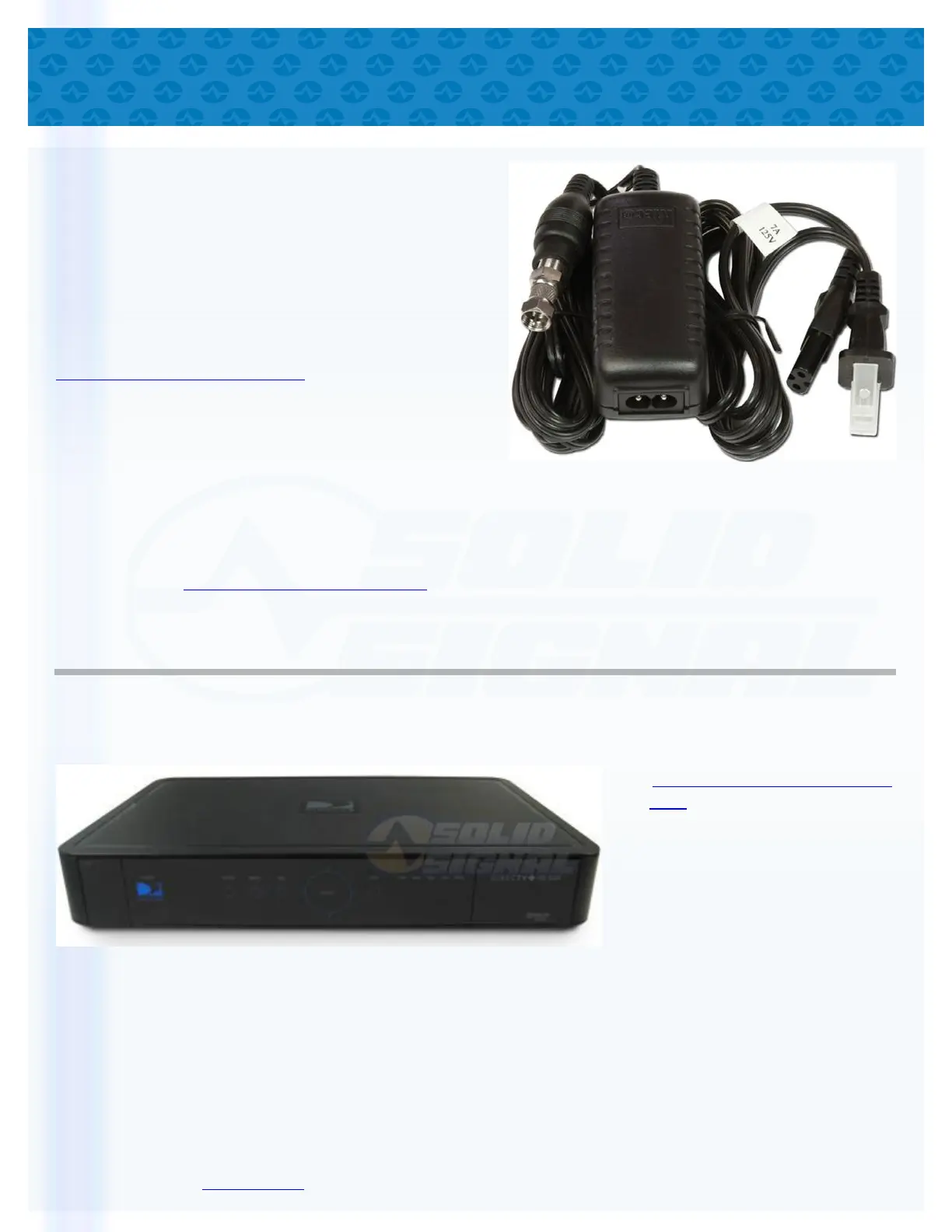
DIRECTV does not sell the adapter required to turn
its EPS10 power supply into a DECA power supply,
but the Sonora PS121000A has been tested for
this use and will work just fine. Just connect it to the
short white cable end of the DECA and plug it into
the wall. The ethernet cable can then be connected
to the router or to any other ethernet device.
Why would you do this?
If you have a device that needs a wired network connection but there isn’t an ethernet cable handy,
you can use an approved DIRECTV splitter and a DECA Broadband to create an instant Ethernet
connection. You can even plug the DECA Broadband into a switch and plug several devices into it.


 To Next Page
 Loading...