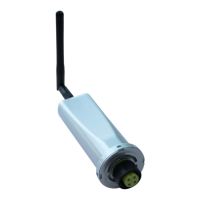
Solis Wi-Fi Dongle Connection
1 | P a g e
NOTE: The following steps are for iPhone as well as Android. (Shown images are of iPhone,
but same can be followed in Android).
STEPS FOR CONNECTING SOLIS WI-FI DONGLE
STEP 1:
• Take your phone near your inverter.
• Make sure you have the details of your home Wi-Fi, such as name and password.
STEP 2:
• Turn OFF your Mobile Data.
(iPhone - Go to: Settings< Mobile< Mobile Data< Off ; Android - Go to: Settings<
Connections< Data Usage< Mobile Data< Off)
• Forget your home Wi-Fi connection (make sure you know the password before going
forward with this step)
(Go to: Settings< Wi-Fi< Select your home Wi-Fi< choose forget).
There will be two options available, disconnect or forget, make sure you select forget
and NOT disconnect.
• OR Turn off autojoin option.


 To Next Page
 Loading...