46
s
START-UP
When you have set up the fan in a suitable spot and plugged it in, you can begin
to use the appliance. Once the power plug is connected, the LED display will state
the current room temperature.
Touch the sensor buttons on the control panel or press the function buttons on the
remote control. Every setting (except the operating mode „Normal Wind“) will be
indicated on the control panel resp. on the LED display (Timer).
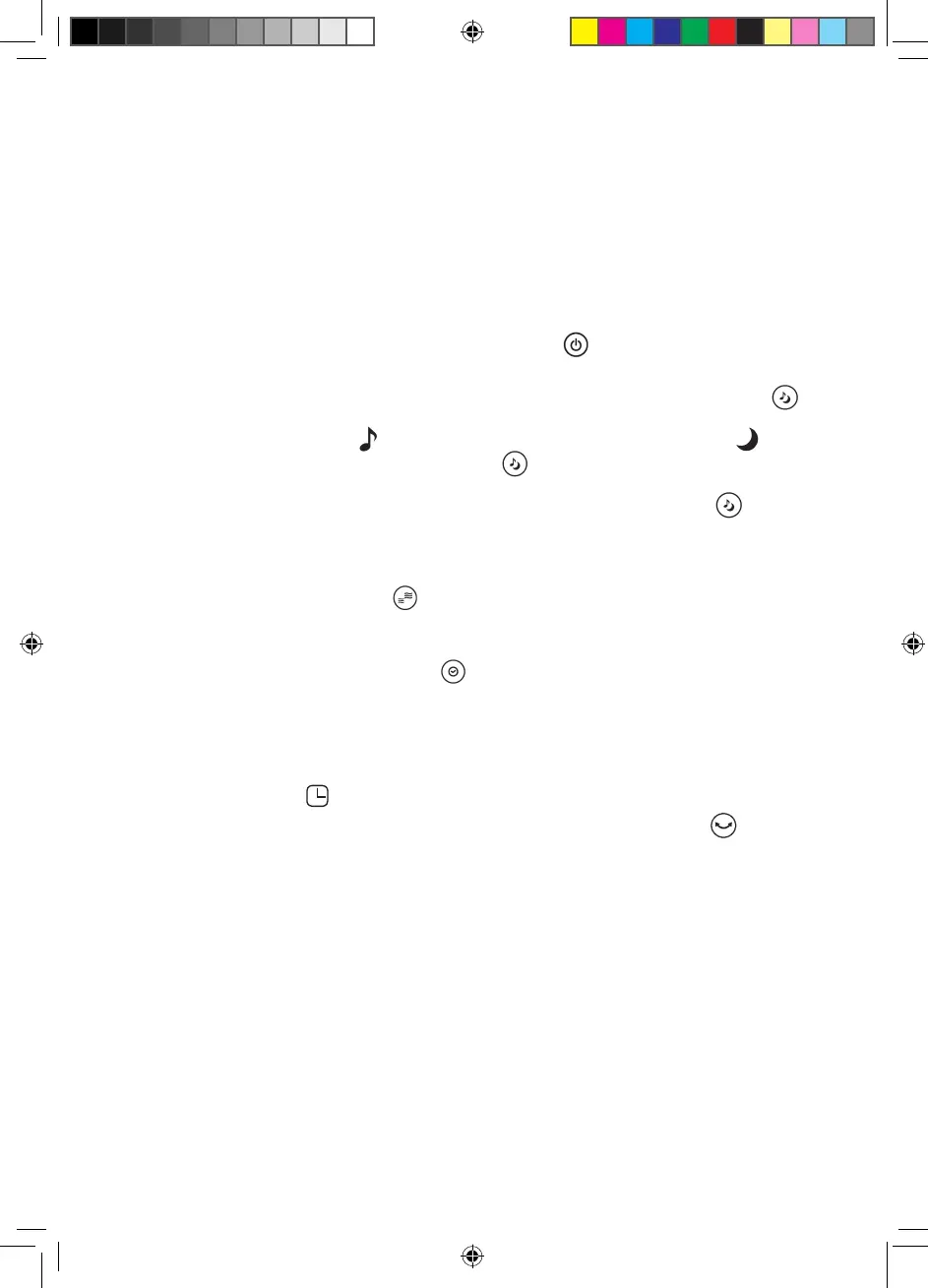
1. Activate the appliance by pressing the POWER button. The standard set-
ting is: Ventilation programme „Normal Wind“ and ventilation speed LOW.
2. If desired, choose another ventilation programme by pressing the MODE
button. You have three programmes to choose from: „Normal Wind“ (con-
stant), „Natural Wind“ (surging and receding) and „Sleeping Wind“ (soft
wind, surging and receding). The MODE
button can also be used to switch
the digital display on the appliance front on and off. Touch the button for at
least 3 seconds to switch the digital display off. Touch the MODE
button
for at least another 3 seconds to switch the digital display back on.
Note: In the „Normal Wind“ standard setting, no symbol will illuminate in the
control panel.
3. If required, use the SPEED button to select another ventilation speed. You
can choose from three speeds: HI, MID and LOW. The standard setting is LOW.
4. If you want to set a certain operation time after which the fan should switch
off automatically, use the TIMER button to set an amount of time between
0.5 and 8 hours. You can increase operation time in steps of 0.5. By pressing
the TIMER button permanently for three seconds, operation time will increase
at steps of 1 hour. The LED display will indicate the chosen amount of hours.
Once the setting is done, meaning you stop pressing the TIMER button, the
display will return to stating the current room temperature after a few seconds
and the symbol will light up in the lower right.
5. If you want to activate the oscillation function, press the SWING button.
The fan will slowly swing from left to right. To deactivate oscillation, press the
SWING button once again.



 To Next Page