8 9
Note
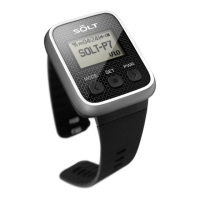
You can set the time of Pager.
Time Setting
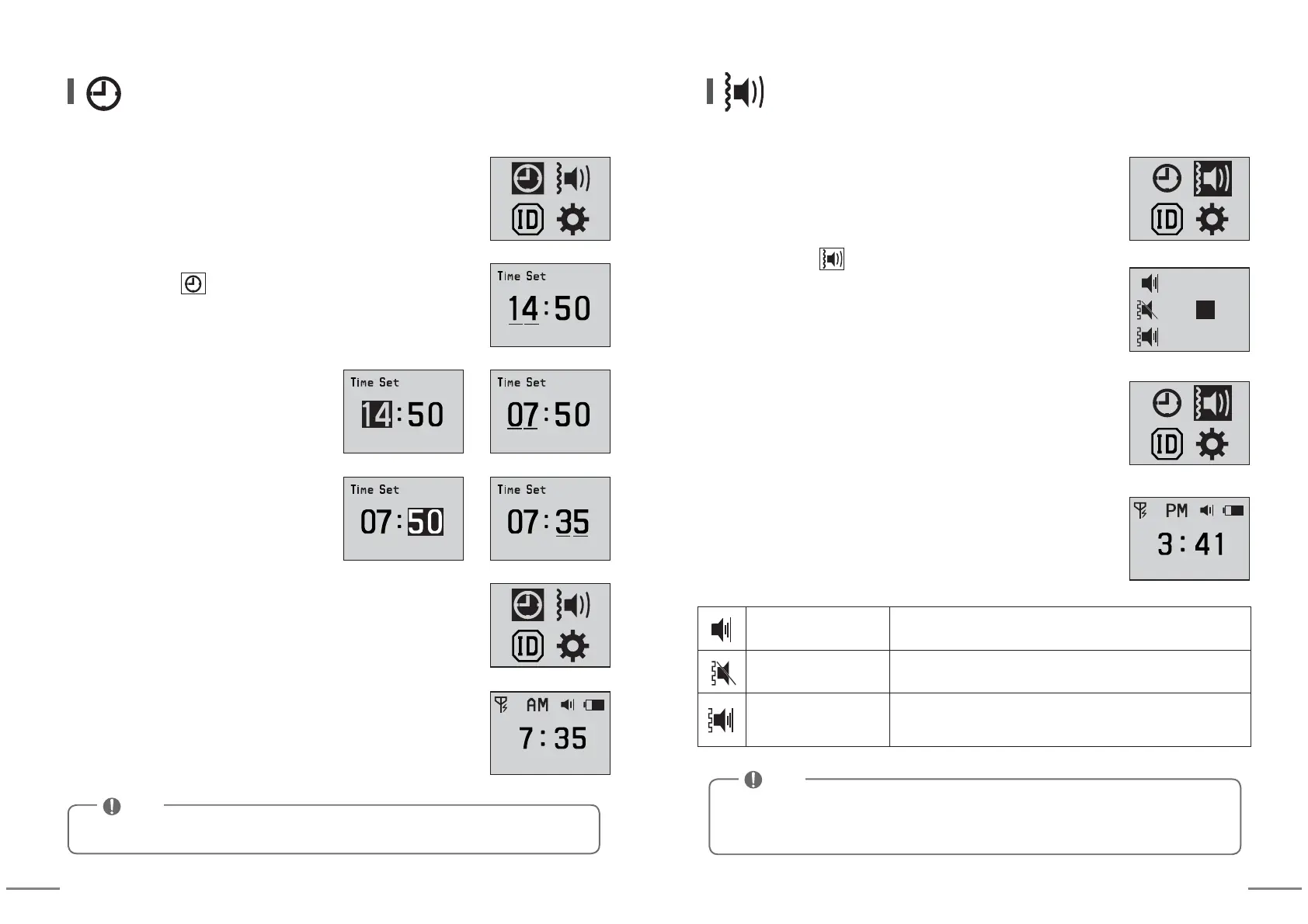
⑥ When you press SET button for more than 2 seconds,
setting is completed.
⑦ When you press MODE button for more than 2 seconds,
idle screen is displayed.
⑤
After setting 'Minute' using arrow keys,
press SET button.
④ Move cursor using arrow keys and
select 'Minute' using SET button.
③ Select 'Hour' using SET button and
after setting 'Hour' using arrow keys,
press SET button.
② After moving to using arrow keys, enter into setting mode
by pressing SET button.
② After moving to using arrow keys, enter into setting mode
by pressing SET button.
▶
▶
① You can enter into Setting Mode by pressing MODE button
for more than 2 seconds at idle screen.
① You can enter into Setting Mode by pressing MODE button
for more than 2 seconds at idle screen.
You can set sound or vibration when receiving calls.
Sound / Vibration Setting
⑤
When you press MODE button for more than 2 seconds,
idle screen is displayed.
④
When you press SET button for more than 2 seconds
after selecting Type, setting is completed.
③ If you select Type using arrow keys, you can check
sound or vibration.
① ② ③
① ② ③
① ② ③
Sound Mode Only sound output is made and there are ① ② ③ types.
Vibration Mode
Only vibration output is made and there are ① ② ③ types.
Sound/Vibration Mode
Sound and vibration outputs are made at the same time
and there are ① ② ③ types.
※ If battery is completely discharged and goes out, set time can be initialized.
※
Cancel reception notifying methods(sounds/vibrations) are fixed
depending on each [sound mode, vibration mode, sound/vibration mode].
Note


 To Next Page
 Loading...