Page 7
Using menu options and settings
Using menu options and settings
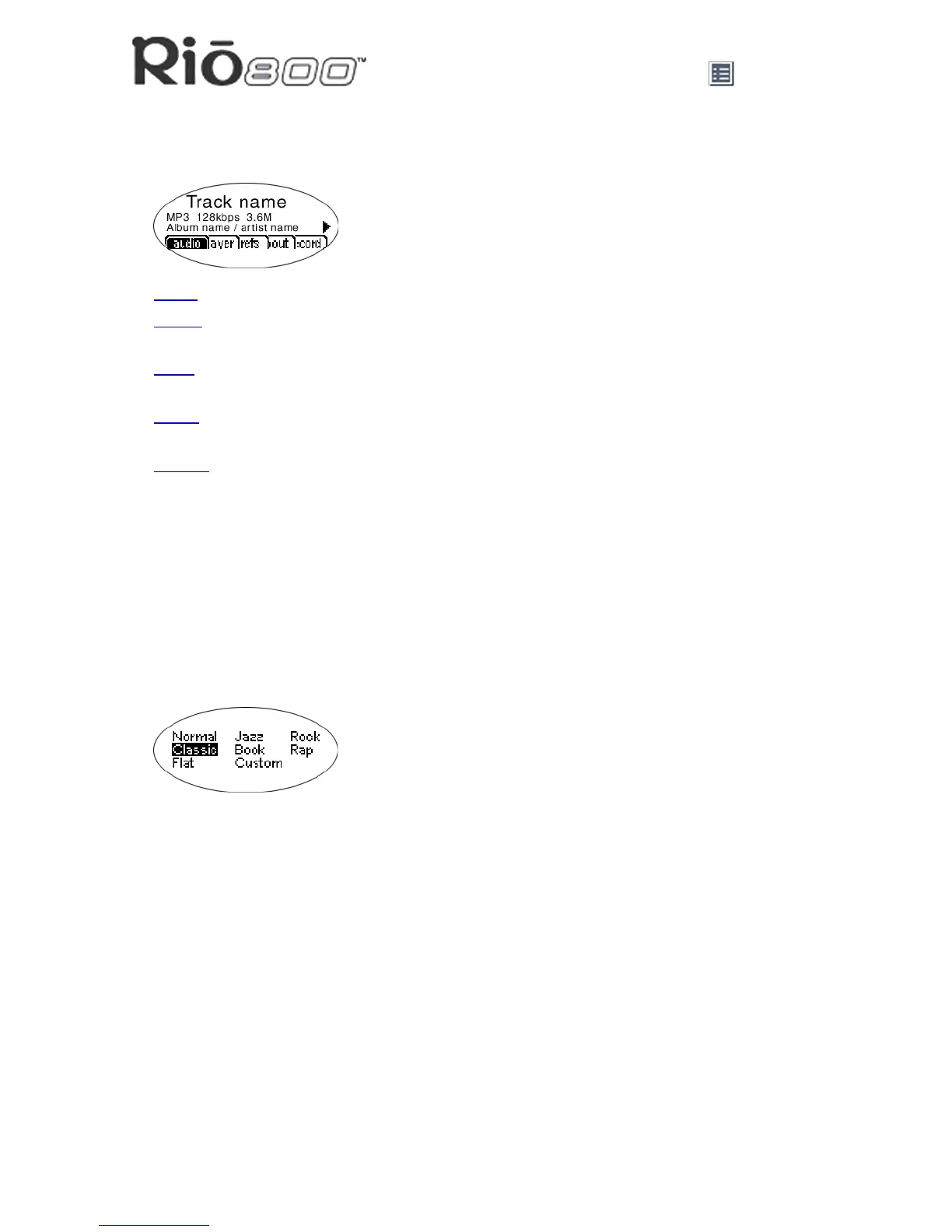
When the Menu button is pressed, the Rio displays these menu options:
• Audio
: Preset and custom equalizer settings.
• Player
: Random and repeat play options, delete track, pick a track, bookmark, and playl-
ist functions.
• Prefs
: Player settings including power saving (time to sleep), LCD display backlight and
contrast, time and date, battery level and calibration, and recorder.
• About
: Various player status information including firmware version, internal and external
memory used, battery level, calendar, and codec information.
• Record
: Voice recording and playback options.
Using Audio functions
Audio functions include built-in and custom equalizer (EQ) settings. Custom EQ lets you set
the Treble and Bass values on a range from 1 (low) to 9 (high).
Selecting built-in EQ settings
1 Press Menu.
2 Press the
7 or 8 buttons to navigate to Audio.
3 Press Select.
4 The EQ settings display.
5 Press the
4/;, <, 7 or 8 buttons to highlight the desired setting.
• To save the setting press Select.
• To return to play mode without saving any changes, press Menu.



 To Next Page