45
EN
Lightswitch
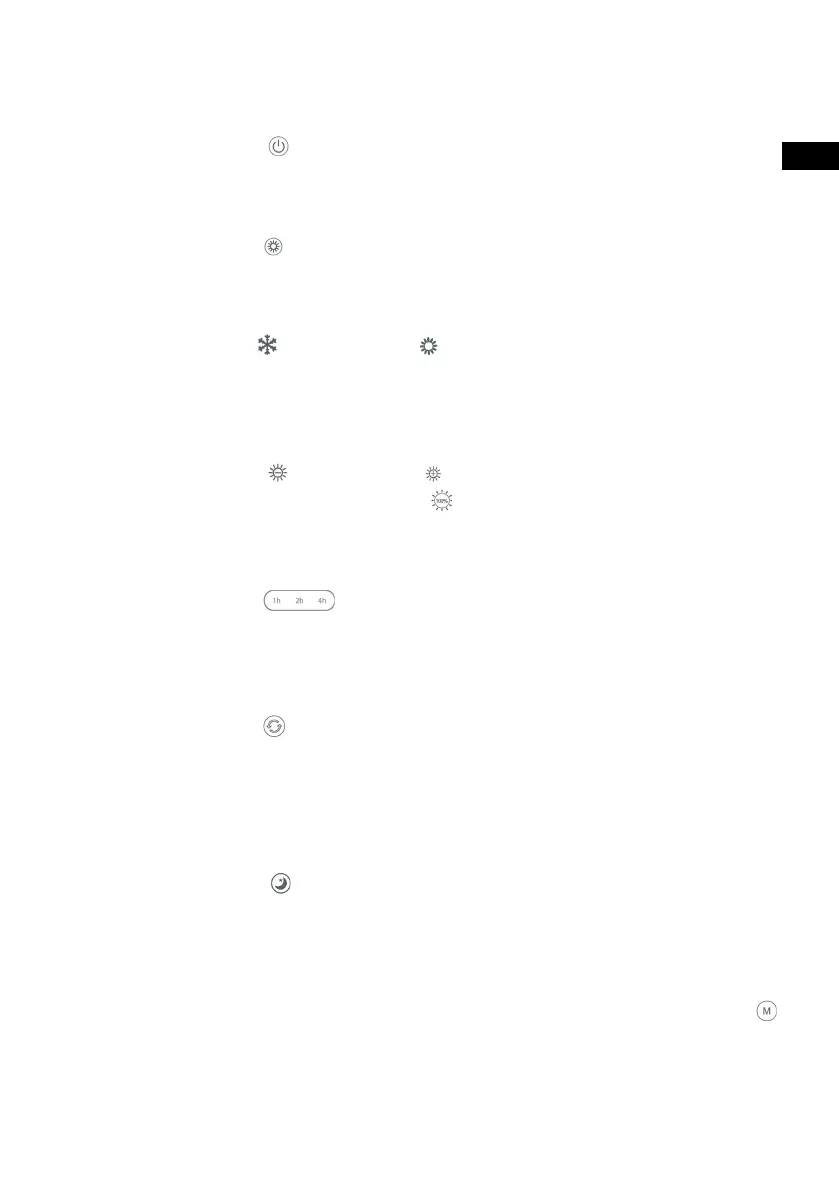
With the button [Fig. 2, 7.] you can switch the ventilation on and off .
Light temperature
Use the button
[Fig. 2, 10.] and [Fig. 2, 3.] to adjust the temperature of
the light continuously.
Brightness
Use the buttons
[Fig. 2, 4.] and [Fig. 2, 9.] to adjust the brightness. To
change to full brightness, press the [Fig. 2, 11.] button.
Timer
Use the buttons
[Fig. 2, 5.] to set if and when the unit should turn off
automatically.
Memory Mode
The save mode allows you to save and recall your confi guration. Set the fan
to the desired brightness and ventilation level and then press the button
[Fig. 2, 8] for 5 seconds. The fan confi rms the setting with a double beep. Now
you can recall the saved settings from any mode.
Ventilation Speed
Use the button
[Fig. 2, 12] to adjust the oscillation. After pressing the
button, the blades (p. 5, Fig. 1, 10.) begin to rotate in a circle to distribute the
air over a larger radius.
Main Switch
With the button
[Fig. 2, 7.] you can switch the ventilation on and off .
Nightmode
Press the button
[Fig. 2, 1.] to adjust to a more confortable and weak light.



 To Next Page