EasyManua.ls Logo

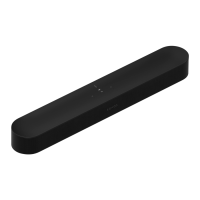
Sonos Beam Gen 2 - Microphone; Status light

Sonos Beam Gen 2
24 pages
Print Icon
To Next Page IconTo Next Page
To Previous Page IconTo Previous Page
Loading...
Microphone
Tap to turn the
microphone on or off:
Note: If you’ve installed a
voice service and the
microphone is off, you can
still use voice commands.
Just press and hold
no need to start with a
wake word. When you
release the microphone
button, voice control turns
off again.
Status light
Displays the product's
connection to WiFi,
indicates when the volume
is muted, and signals
errors. Learn more
Note: If you don’t want to allow playback or volume adjustments using the speaker touch
controls, you can disable them in the room’s settings.
When the microphone
light is on, voice
control is on and your
voice service is ready
to respond.
When the light is off,
voice control is off.

Related product manuals