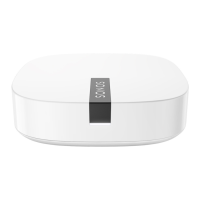
Sonos ZoneBridge Setup Guide
14
ZoneBridge Rear Panel
Ethernet switch connectors
(2)
Use Category 5 Ethernet cable to connect to a router,
computer, or additional network device such as a
network-attached storage (NAS) device.
AC power (mains) input Use the supplied power adapter to connect to power
outlet. Be sure to use the proper power adapter for
your country.
Ethernet
switch
connectors
AC power
(Mains) input


 To Next Page