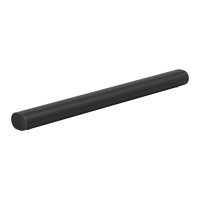
If the light is distracting, you can turn it off in
your room’s settings.
IR sensor light The IR (InfraRed) sensor receives signals sent by
a remote control.
When the Playbar receives a volume or mute
command, the IR light displays momentarily.You
can adjust this setting so the light never displays
in the room’s settings.
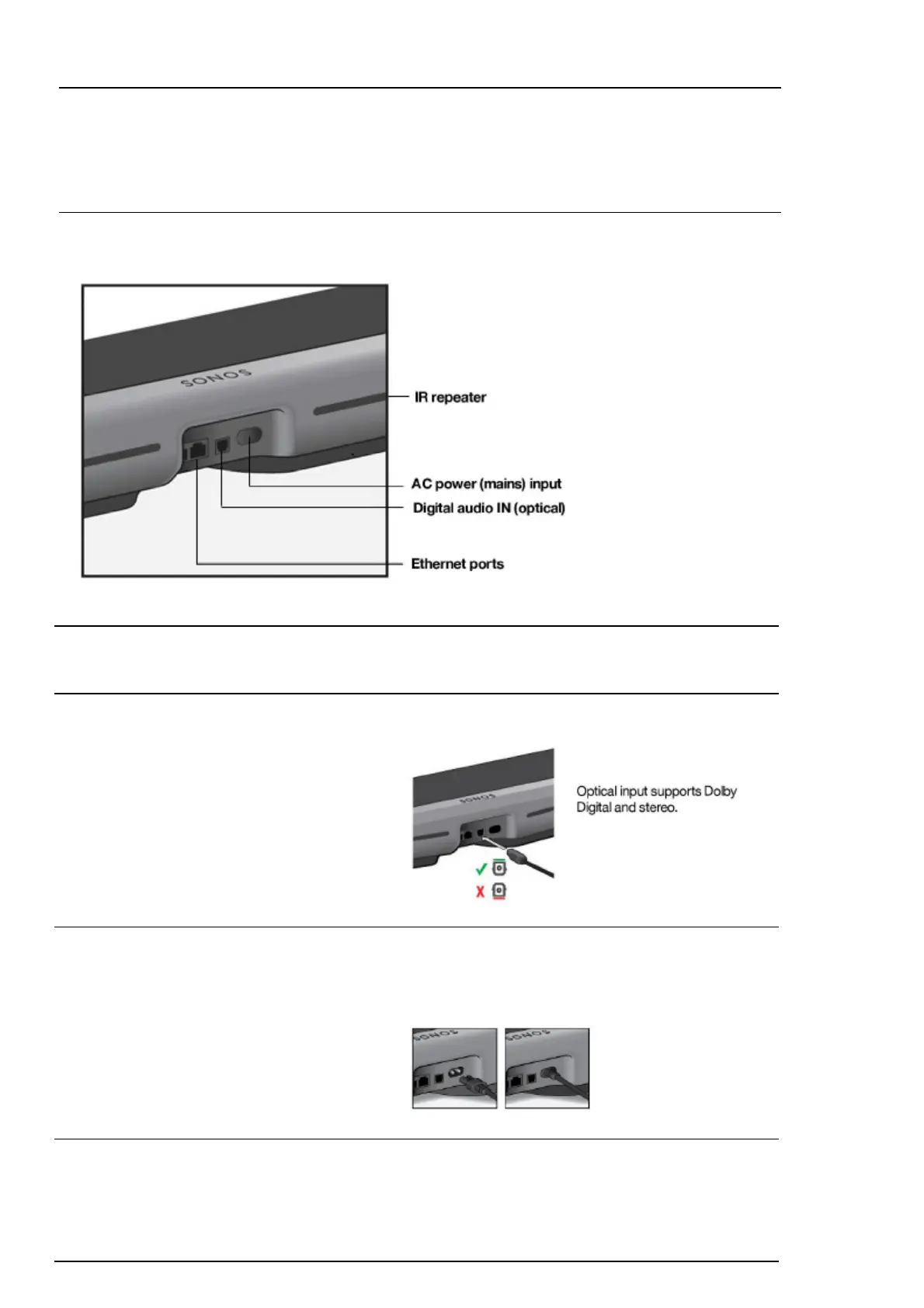
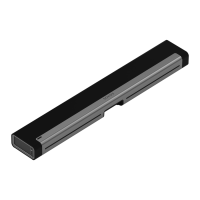
Connector panel
Ethernet ports (2) Use the supplied Ethernet cable if you want to
connect to a router, computer, or network-attached
storage (NAS) device (optional).
Digital audio IN (optical) Use an audio optical cable to connect the Playbar
to your TV.
AC power (mains) input Use only the supplied power cord (using a third-
party power cord will void your warranty).
Note: Insert the power cord firmly until it is flush
with the speaker.
IR repeater Allows the commands from your remote control to
reach your TV if the Playbar is positioned in front
of the TV.
This setting is on by default, but can be turned off
in the room’s settings.


 To Next Page