To control the video player
•
Use the playback controls to control your video player. See Playback controls on
page 36.
Managing video clips in play view
You can manage your video clips in many ways while they are playing.
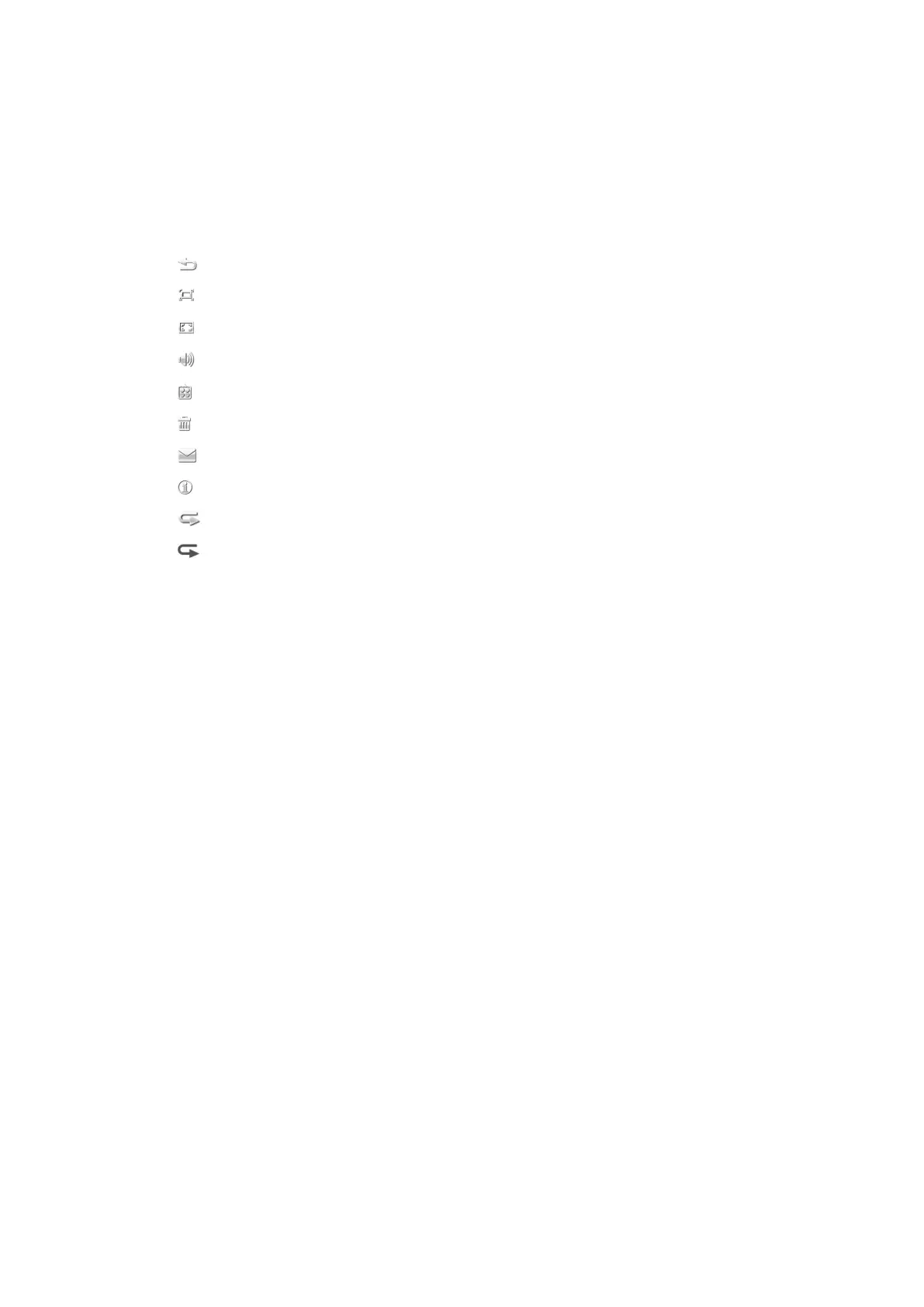
The following icons may appear in the touchbar when a video clip is playing:
Exit the play view and go back to the previous level
Turn on auto-zoom
Turn off auto-zoom
Set the volume
View more options
Delete the current video clip
Send the current video clip
View video clip information
Repeat the current video clip
Disable the repeated playback of video clips
39
This is an Internet version of this publication. © Print only for private use.










 To Next Page