GB
26
You can add the desired functions to your camera by connecting to the
application download website (PlayMemories Camera Apps™) via the
Internet.
http://www.sony.net/pmca/
• After installing an application, you can call up the application by touching an
NFC-enabled Android smartphone to the N mark on the camera, using the
[One-touch(NFC)] function.
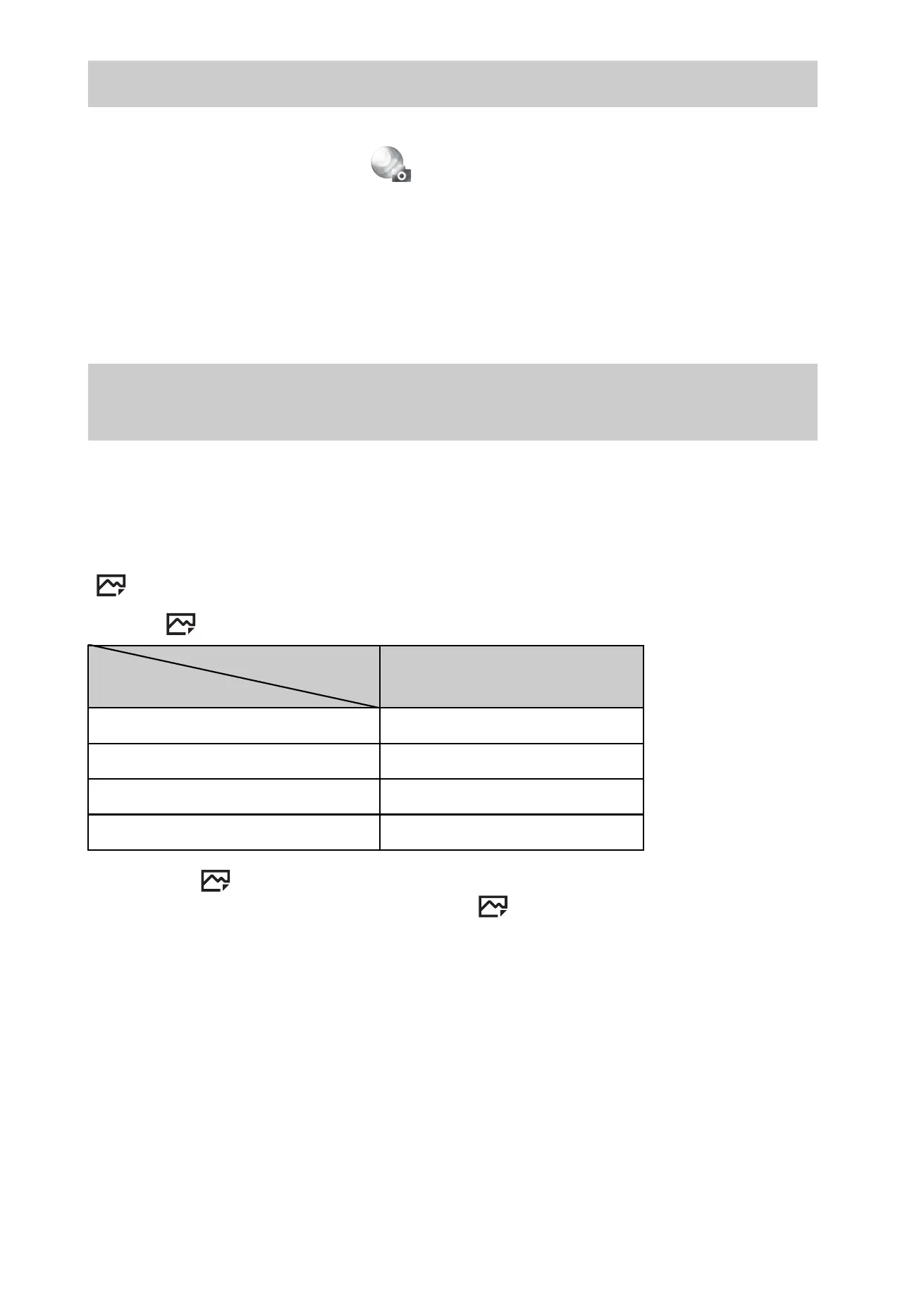
The number of still images and recordable time may vary depending on the
shooting conditions and the memory card.
x
Still images
[ Image Size]: L: 24M
When [ Aspect Ratio] is set to [3:2]*
* When the [ Aspect Ratio] is set to other than [3:2], you can record more
pictures than shown above. (Except when [ Quality] is set to [RAW].)
Adding functions to the camera
Number of still images and recordable time of
movies
Capacity
Quality
2 GB
Standard 330 images
Fine 200 images
RAW & JPEG 54 images
RAW 74 images



 To Next Page