Help Guide
Interchangeable Lens Digital Camera
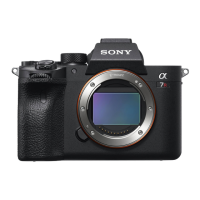
ILCE-7RM3 α7RIII
Charging the battery pack using a charger
Insert the battery pack into the battery charger.
Place the battery pack on the battery charger aligning the direction of
mark.
Slide the battery pack to the end towards the arrow.
1
Connect the power cord (supplied) to the battery charger, and connect the battery charger to the wall outlet
(wall socket).
When charging starts, the CHARGE lamp (A) lights up in orange. The CHARGE lamp turns off when the
charging level reaches approximately 90%.
You can check the approximate charging status with the charging status indicator lamp (B) as shown in the
following table. (The orange color indicates the lighting of the lamp.) The charging status indicator lamp turns off
when charging is finished.
2
Charging status CHARGE lamp/Charging status indicator lamp
Immediately after attaching the battery pack - 30%
30% - 60%
60% - 90%
90% - Fully charged
Full charging completed



 To Next Page
 Loading...