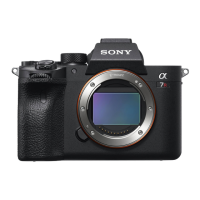
ILCE-7RM3
4-728-779-11(1)
GB
26
C:\4728779111\4728779111ILCE7RM3UC2\01GB-ILCE7RM3UC2\020PRE.indd
DTP data saved: 2017/09/04 16:39
PDF file created: 2017/09/08 13:52
Step 2: Inserting the battery pack into the camera
1
Open the battery cover.
2
Insert the battery pack while
pressing the lock lever with
the tip of the battery until the
battery locks into place.
Lock lever
3
Close the cover.



 To Next Page
 Loading...