ILCE-7SM3
5-060-467-41(1)
EN
14
\\Win-473\camera\CX85000(OT)UUD_IM\Multi\04_Compose\5060467411_14lang\5060467411ILCE7SM3CEC\01EN-ILCE7SM3CEC\030BAS.indd
DTP data saved: 2023/12/27 17:47
PDF file created: 2024/01/19 12:00
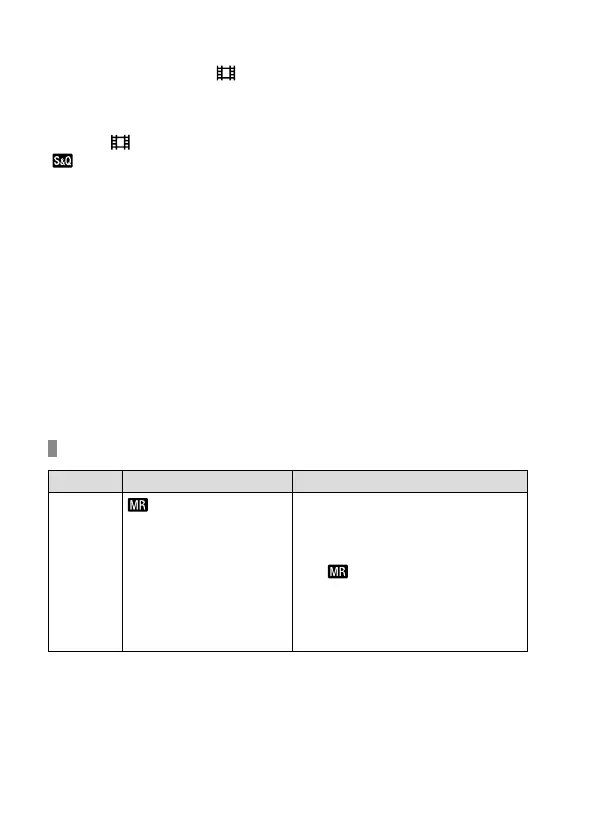
The method for setting the exposure in the movie recording modes
depends on the MENU
(Shooting) [Shooting Mode]
[Exposure Ctrl Type] setting.
When [Exposure Ctrl Type] is set to [P/A/S/M Mode]:
MENU (Shooting) [Shooting Mode] [Exposure Mode] or
[
Exposure Mode] Select the desired exposure mode from among
P/A/S/M.
When [Exposure Ctrl Type] is set to [Flexible Exp. Mode]:
The aperture value, shutter speed, and ISO sensitivity can be switched
between the automatic setting and manual setting by using the following
functions assigned to custom keys.
• Aperture value
[Auto/Manual Swt. Set.] [Av Auto/Manual Switch]
• Shutter speed
[Auto/Manual Swt. Set.] [Tv Auto/Manual Switch]
• ISO sensitivity
[Auto/Manual Swt. Set.] [ISO Auto/Manual Set]
If you select the manual setting, turn the front/rear dial or the control
wheel to set the desired value.
(C) Registration recall modes
Mode dial Shooting mode Description
1/2/3
Recall Camera Setting
You can call up frequently used
modes and numerical value settings
that have been registered* in
advance then shoot the images.
* In [ Camera Set. Memory],
you can register various shooting
settings, such as the exposure
mode (P / A / S / M), aperture (F
value), and shutter speed.



 To Next Page