ILCE-7SM3
5-060-467-41(1)
EN
20
\\Win-473\camera\CX85000(OT)UUD_IM\Multi\04_Compose\5060467411_14lang\5060467411ILCE7SM3CEC\01EN-ILCE7SM3CEC\030BAS.indd
DTP data saved: 2023/12/27 17:47
PDF file created: 2024/01/19 12:00
Main 2
1
2
MOV20230101
M
MF
Act
100%
1h 18m
1
1h 30m
2
1
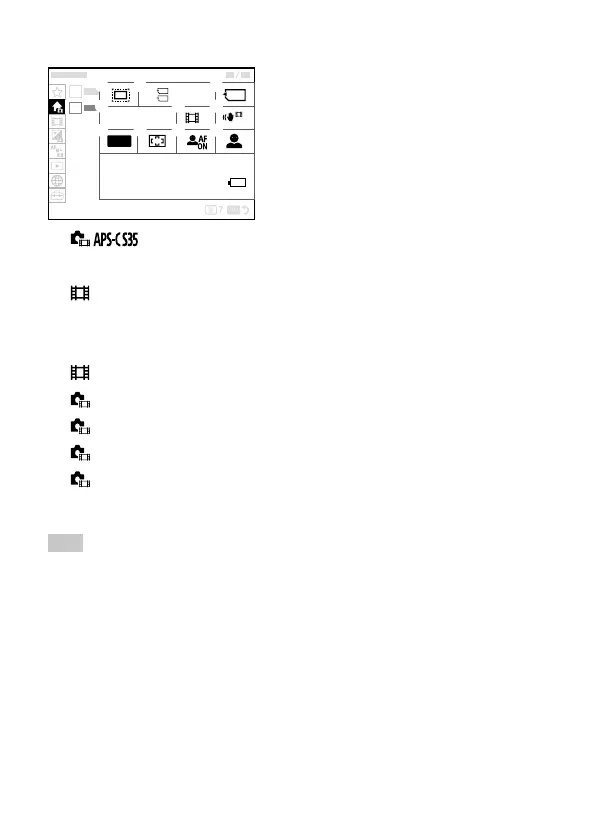
Shooting
Format
Recording Media
File Settings
Shoot Mode
SteadyShot
Focus Mode
Focus Area
Face/Eye Prior. in AF
Face/Eye Subject
Remaining battery level
Hint
• If you assign the [Display Main Menu] function to the desired key using the
custom key settings, you can also open the Main menu by pressing the
assigned key.
• You can open the setting screens by touching the icons on the main
menu when [Touch Operation] is set to [On] and [Menu Screen] under
[Touch Panel Settings] is set to [On].



 To Next Page