ILCE-7SM3
5-060-467-41(1)
\\Win-473\camera\CX85000(OT)UUD_IM\Multi\04_Compose\5060467411_14lang\5060467411ILCE7SM3CEC\01EN-ILCE7SM3CEC\070SMT.indd
DTP data saved: 2023/12/27 17:47
PDF file created: 2024/01/19 12:00
EN
EN
39
Using a smartphone and a computer
Functions available with a smartphone
(Creators’ App)
Using the smartphone application Creators’ App, you can shoot an image
while controlling the camera using a smartphone or transfer the images
recorded on the camera to the smartphone.
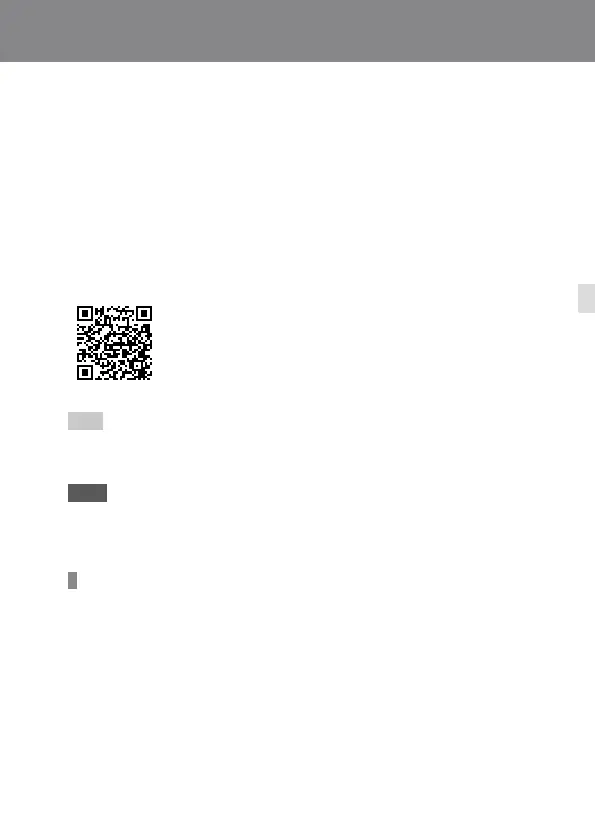
Download and install the application Creators’ App from your
smartphone’s application store. If Creators’ App is already installed on
your smartphone, be sure to update it to the latest version.
For details on Creators’ App, refer to the following
website.
https://www.sony.net/ca/
Hint
• You can also install Creators’ App by scanning the QR Code displayed on the
screen of the camera using your smartphone.
Note
• Depending on future version upgrades, the operational procedures or screen
displays are subject to change without notice.
Supported smartphones
Refer to the support page for the latest information.
https://www.sony.net/ca/help/mobile/
• For details on Bluetooth versions compatible with your smartphone, check the
product website for your smartphone.



 To Next Page