ILCE-7SM3
5-060-467-41(1)
EN
55
\\Win-473\camera\CX85000(OT)UUD_IM\Multi\04_Compose\5060467411_14lang\5060467411ILCE7SM3CEC\01EN-ILCE7SM3CEC\080MEN.indd
DTP data saved: 2023/12/27 17:47
PDF file created: 2024/01/19 12:00
EN
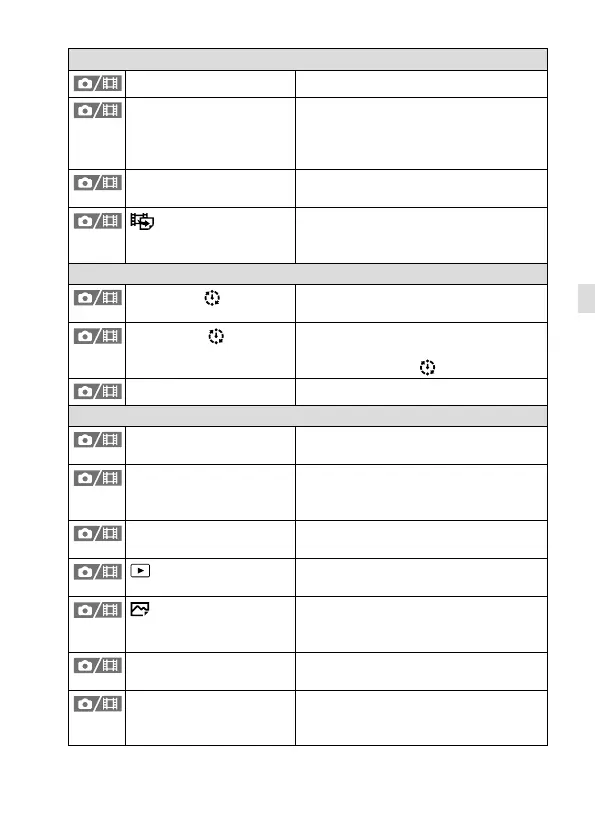
Edit
Rotate Rotates the image.
Copy Copies images from the memory card
in the memory card slot designated in
[Play Set of Multi. Media] to the memory
card in the other slot.
Photo Capture Captures a chosen scene in a movie to
save as a still image.
JPEG/HEIF Switch
Sets the format of still images captured
with [Photo Capture] to either JPEG or
HEIF.
Viewing
Cont. Play for Interval
Continuously plays back images shot
using interval shooting.
Play Speed for Interval
Sets the playback speed when
continuously playing back still images
with [Cont. Play for
Interval].
Slide Show Plays a slide show.
Playback Option
Image Index Displays multiple images at the same
time.
Display as Group Sets whether or not to display images
shot continuously or shot using interval
shooting as a group.
Display Rotation Sets the playback orientation for images
shot vertically.
Focus Frame Display
Sets whether to display the focus frame
during playback.
Aspect Marker Disp.
Sets whether or not to display the
aspect marker and sets the color
density for the displayed marker.
Disp Specified Time Img. Plays back images by specifying the
shooting date and time.
Image Jump Setting Sets the method of jumping between
playback images for the front dial and
rear dial, respectively.



 To Next Page