ILCE-7SM3
5-060-467-41(1)
EN
58
\\Win-473\camera\CX85000(OT)UUD_IM\Multi\04_Compose\5060467411_14lang\5060467411ILCE7SM3CEC\01EN-ILCE7SM3CEC\080MEN.indd
DTP data saved: 2023/12/27 17:47
PDF file created: 2024/01/19 12:00
Network Option
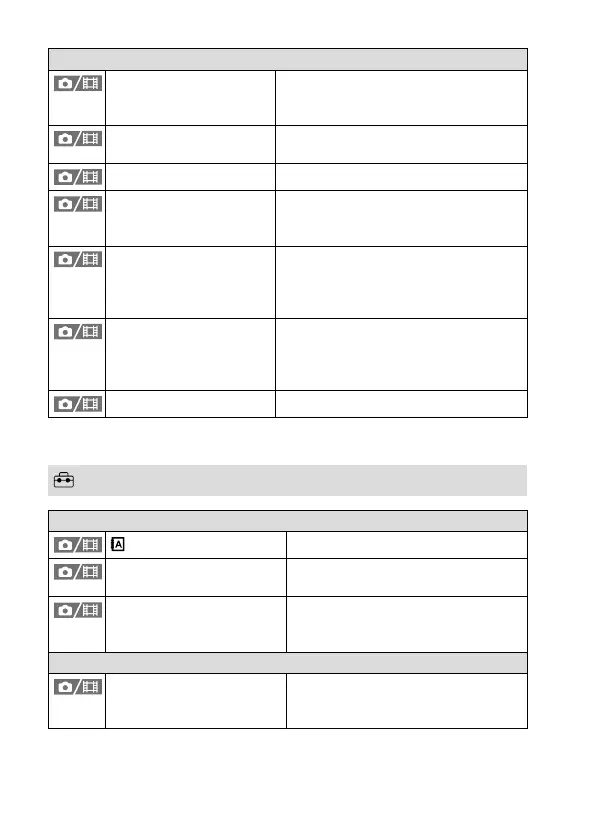
Airplane Mode Disables wireless communications
from the device such as Wi-Fi, NFC, and
Bluetooth function.
Edit Device Name Changes the device name under Wi-Fi
Direct, etc.
Import Root Certificate Imports a root certificate to the camera.
Access Authen. Settings Encrypts communication between
the camera and device during remote
shooting or image transfer.
Access Authen. Info Displays the information required
when connecting the camera to a
computer or smartphone using access
authentication.
Security(IPsec) Sets whether or not to encrypt
communications between the camera
and a computer while they are
connected via Wi-Fi or a wired LAN.
Reset Network Set. Resets all the network settings.
* WW271448 only (see name plate on the bottom of camera)
(Setup) tab
Area/Date
Language
Selects the language.
Area/Date/Time Setting Sets the area, date, and time where
the camera is used.
NTSC/PAL Selector Changes the TV format of the device
so that you can shoot in a different
movie format.
Reset/Save Settings
Setting Reset Restores settings to their defaults.
Select [Initialize] to restore all settings
to their default values.



 To Next Page