Using the shooting function
91
Fn button t [Metering mode] t Select the desired mode
• Use (Multi segment) metering for general shooting.
Note
• When the exposure mode is set to AUTO or Scene Selection, [Metering mode] is
fixed to (Multi segment) and you cannot select other modes.
Selecting the method for measuring the brightness of a
subject (Metering mode)
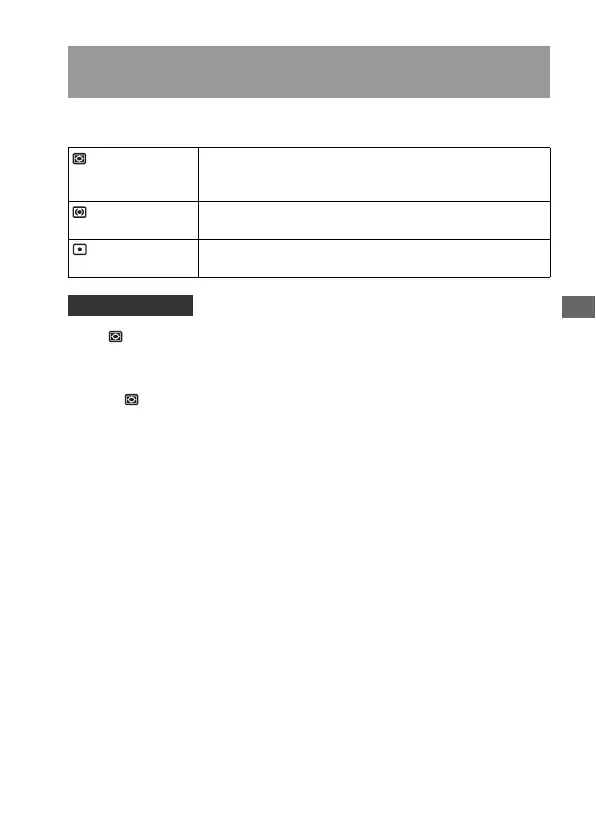
(Multi segment) This mode measures light on each area after dividing the total
area into multiple areas and determines the proper exposure
of the entire screen.
(Center weighted) While emphasizing the central area of the screen, this mode
measures the average brightness of the entire screen.
(Spot) This mode measures light at or around the focus area located
in the center of the frame.
Shooting technique



 To Next Page
 Loading...