6. (Flash pop-up) button
7. MENU button
8. For shooting: AEL button
For viewing: Playback zoom
9. MOVIE (Movie) button
10. For shooting: Fn (Function) button
For viewing: (Send to Smartphone) button
You can display the screen for [Send to Smartphone] by pressing the (Send to Smartphone) button.
11. Control wheel
12. C2 (Custom 2) button/
(Delete) button
13. (Playback) button
1. (N mark)
Touch the mark when you connect the camera to a smartphone equipped with the NFC function.
NFC (Near Field Communication) is an international standard of the short-range wireless communication
technology.
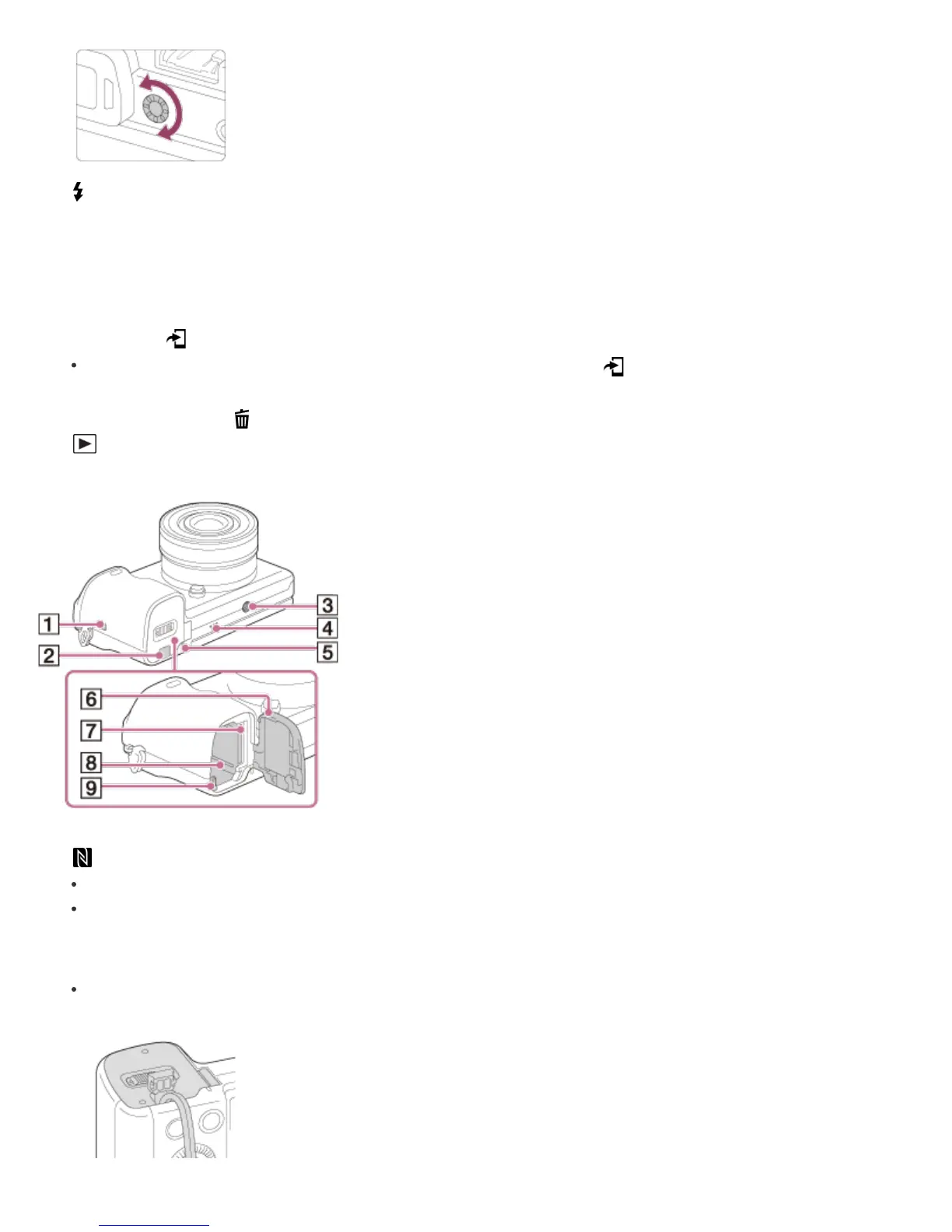
2. Connection plate cover
Use this when using an AC-PW20 AC Adaptor (sold separately). Insert the connection plate into the battery
compartment, and then pass the cord through the connection plate cover as shown below.


 To Next Page
 Loading...







