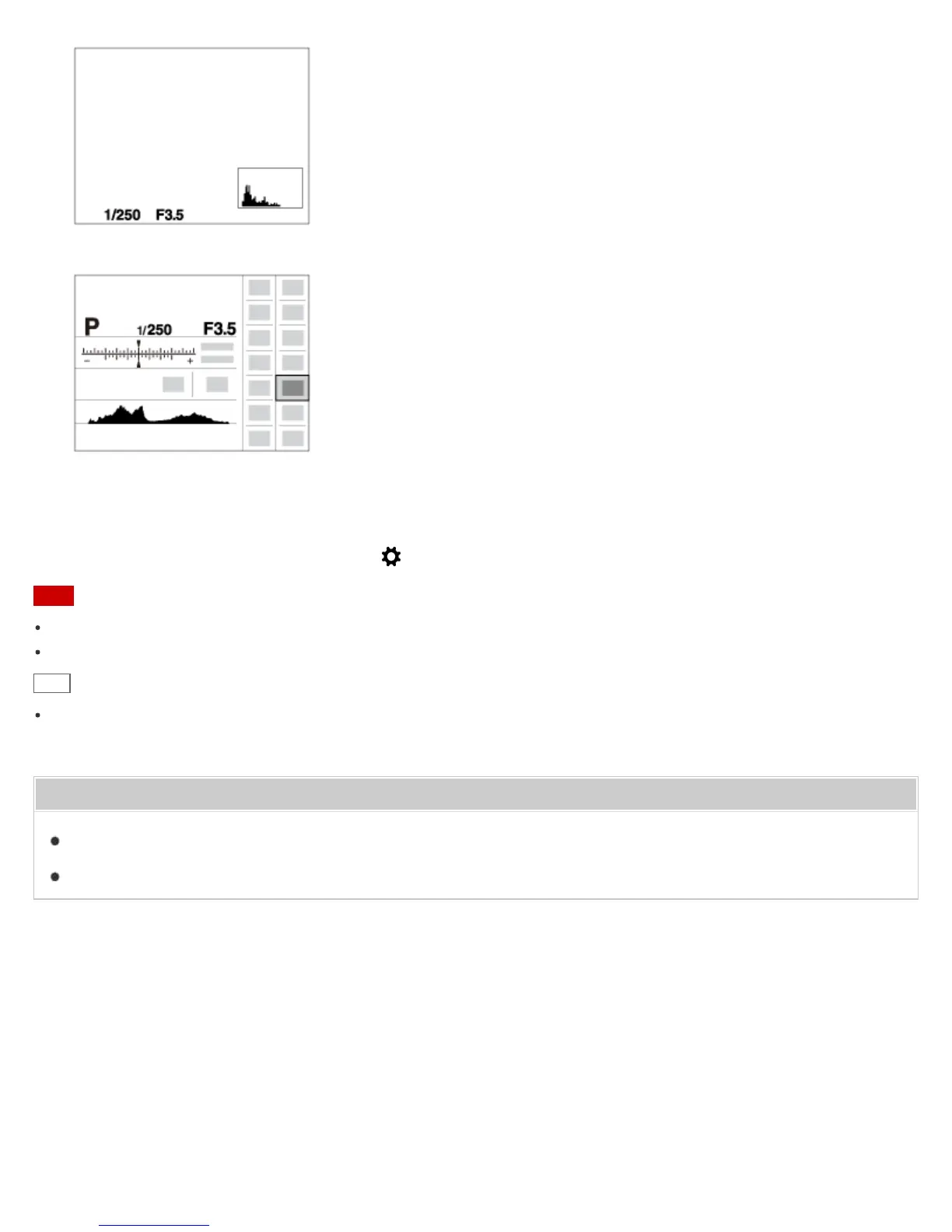
For viewfinder*
* [For viewfinder] is not displayed in viewfinder mode.
Some display modes are not available in the default settings.
To change the display modes, press MENU → (Custom Settings) → [DISP Button] and change the setting.
Note
Histogram is not displayed during panorama shooting.
In movie mode, [For viewfinder] cannot be displayed.
Hint
You can select different settings for both the viewfinder and the monitor. Look through the viewfinder to set the
display settings for the viewfinder.
Related Topic
DISP Button (Finder)
DISP Button (Monitor)
Notes on use
4-534-933-11(1)
Copyright 2014 Sony Corporation












 To Next Page